San Francisco Crime 2003 to 2021
By . Updated on

San Francisco Crime 2003 to 2021

San Francisco is apparently going to hell with criminals free to do as they please with no fear of consequences. I decided to take a look at the data.

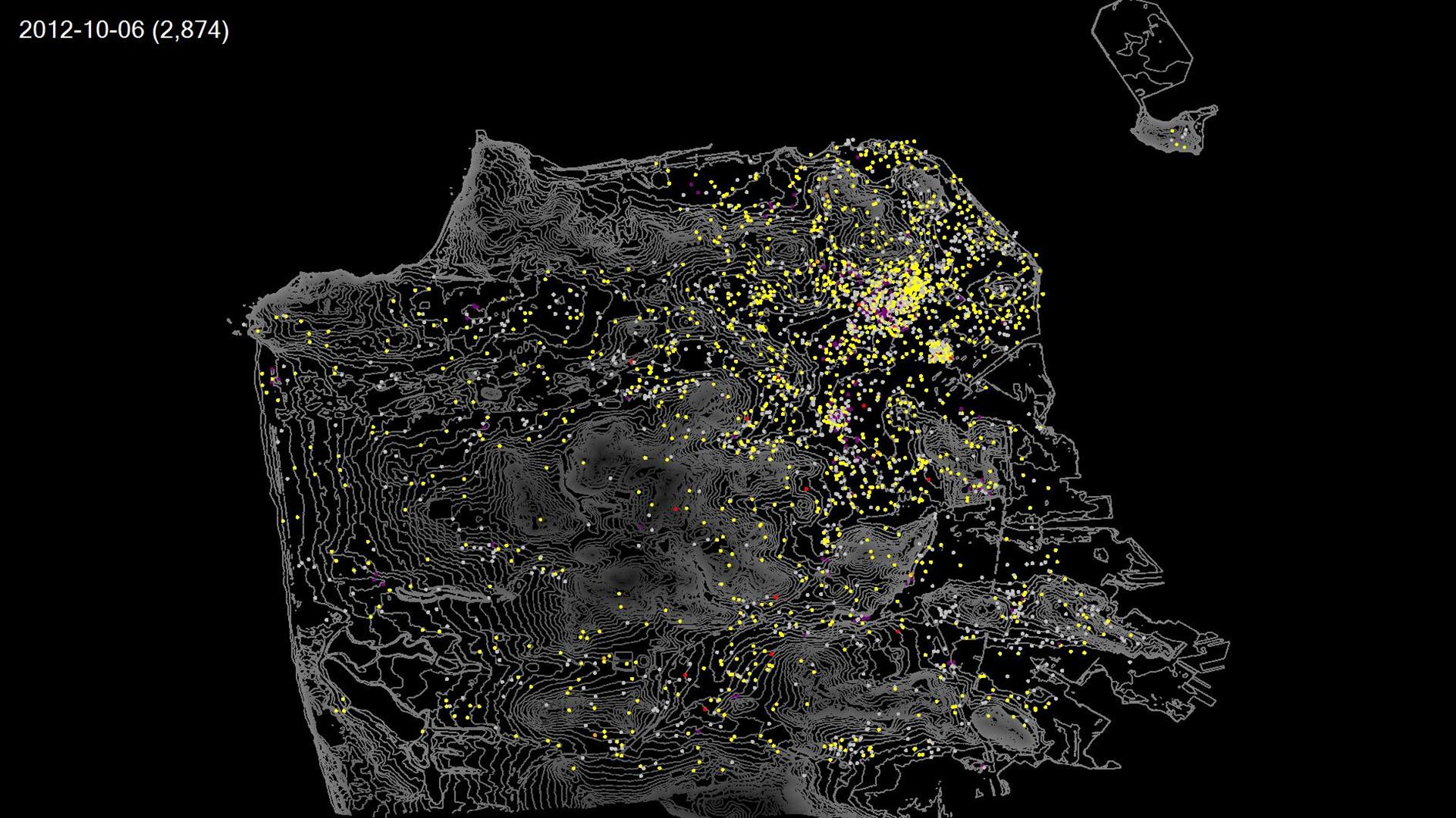
The video above shows a timelapse of SFPD incidents from 2003 through yesterday. Each frame is a day and shows incidents from the previous seven days. The top left corner of the video shows the date and the seven day count of incidents.

I grouped the reported categories into a few colors. Red is used for murder and rape. Orange for arson and kidnapping. Yellow for thefts and assaults. Purple for sex and drugs. Grey for anything else. I excluded some categories from the data (recovered vehicle, traffic collision, case closure and non-criminal).

SFPD reports the location of incidents as the closest intersection. To keep everything visible I move the location randomly within a tenth of a mile where there is a specific location reported. For crimes without a location I use a random spot within half a mile of the center of the police district (or the center of San Francisco if the district is missing - this is unusual).

The volume of incidents changes a bit during the ~18 years shown in the video, but the only real outlier is the dip following the start of the coronavirus pandemic in March 2000. Crime picks back up after this but so far hasn't returned to the level it was at before the pandemic.

Police incidents come from two datasets: Police Department Incident Reports: 2018 to Present and Police Department Incident Reports: Historical 2003 to May 2018. San Francisco is plotted using Elevation Contours. The pre and post 2018 data sets use different categories but I coded both to the set of colors outlined above. There is a drop in incidents right at the end of the video which I expect is caused by incomplete data rather than any change in crime rate.
Fleet Week 2021 Air Show (Photos and Timelapse)

By . Updated on

Fleet Week 2021 Air Show (Photos and Timelapse)

Fleet Week 2021 Air Show (Photos and Timelapse)

Fleet Week 2021 Air Show (Photos and Timelapse)

Fleet Week 2021 Air Show (Photos and Timelapse)

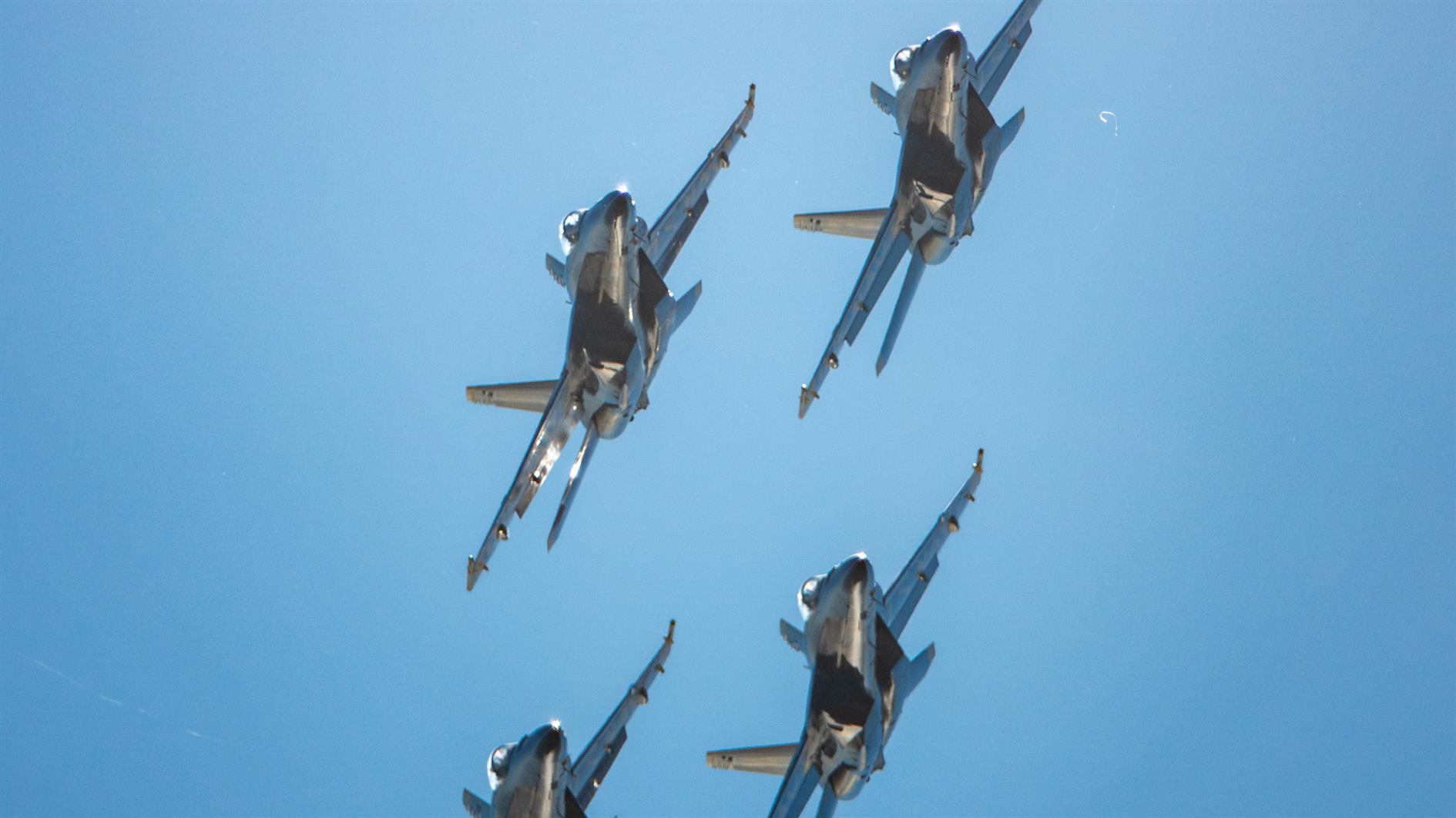
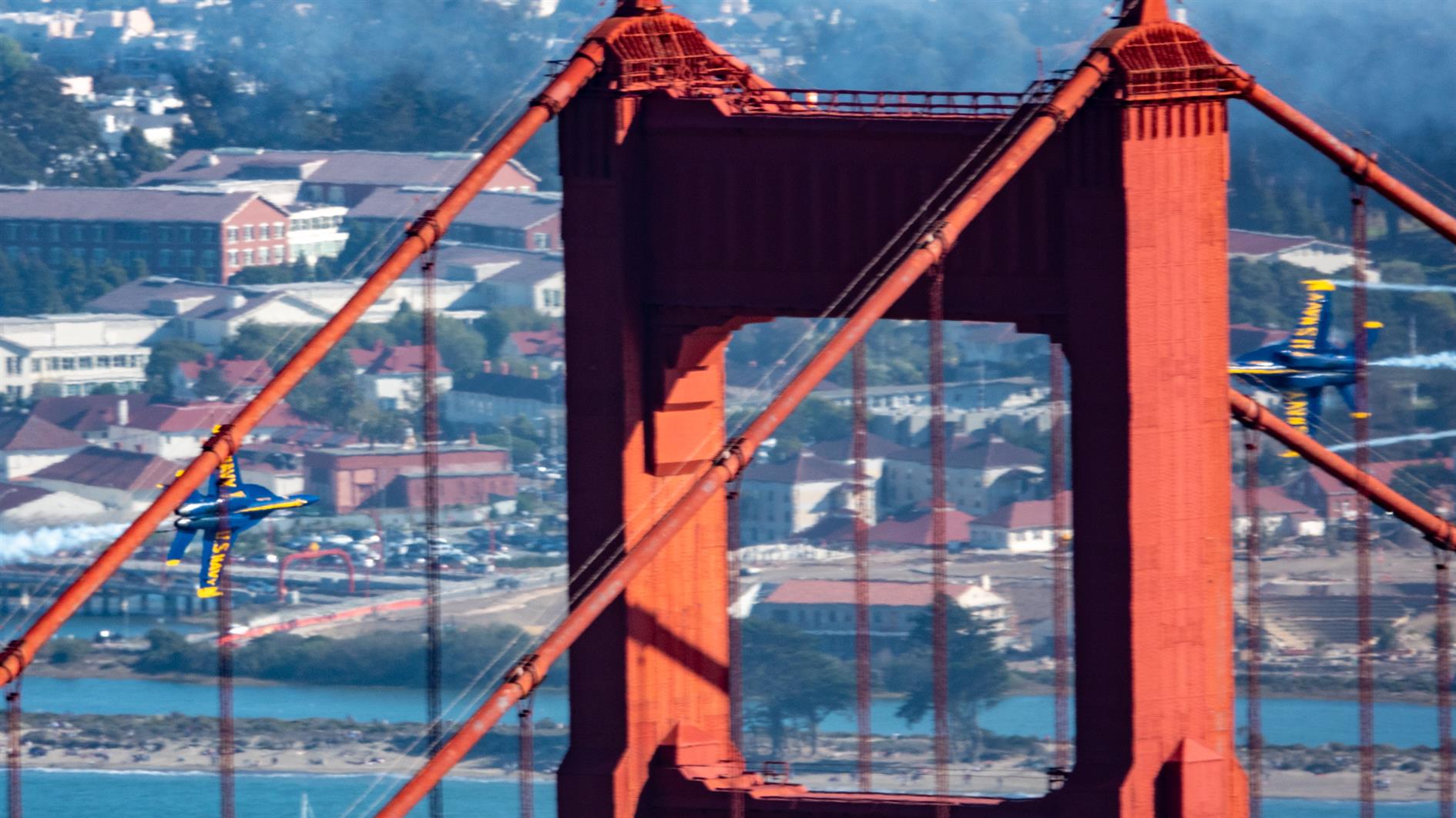
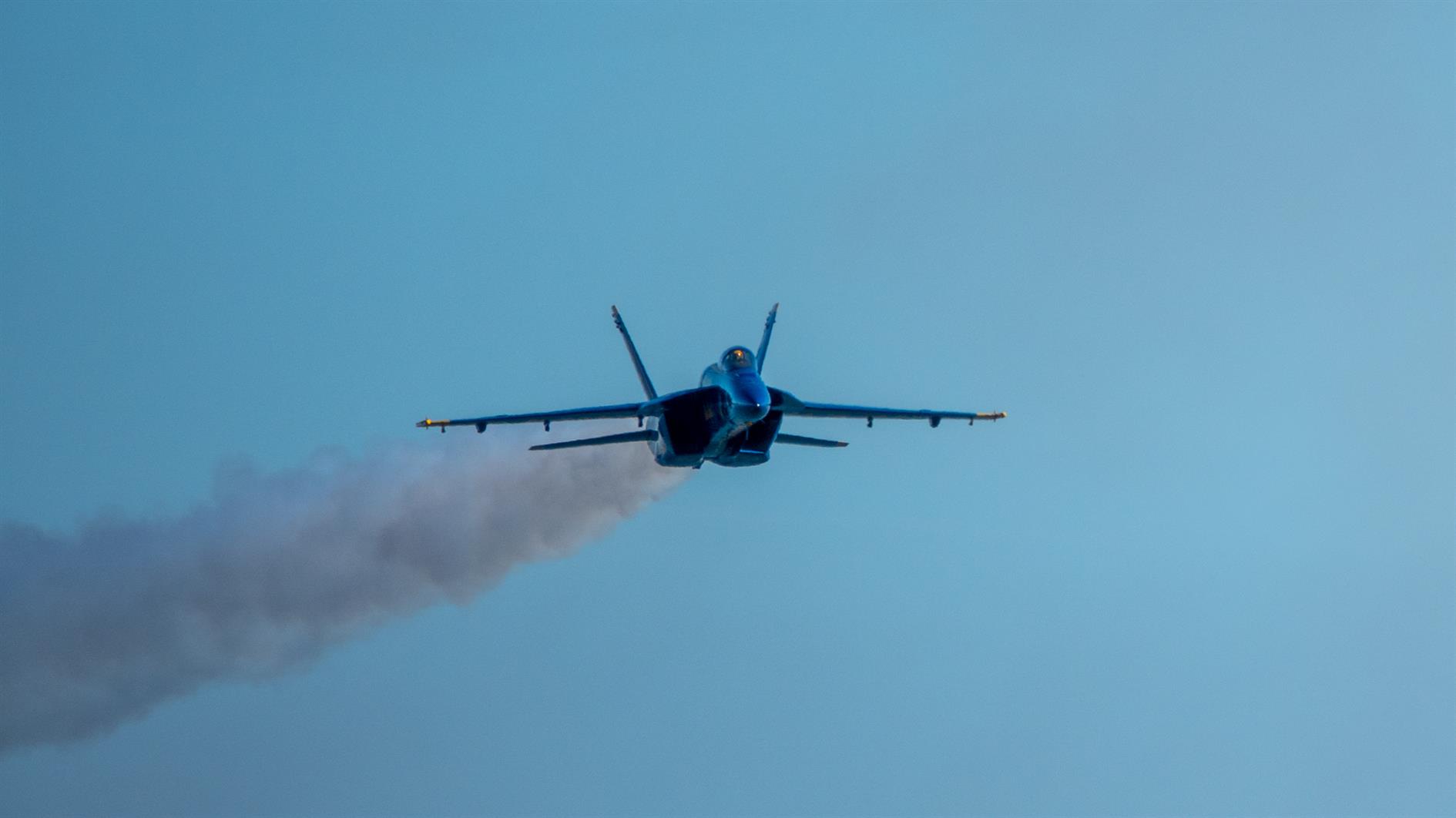
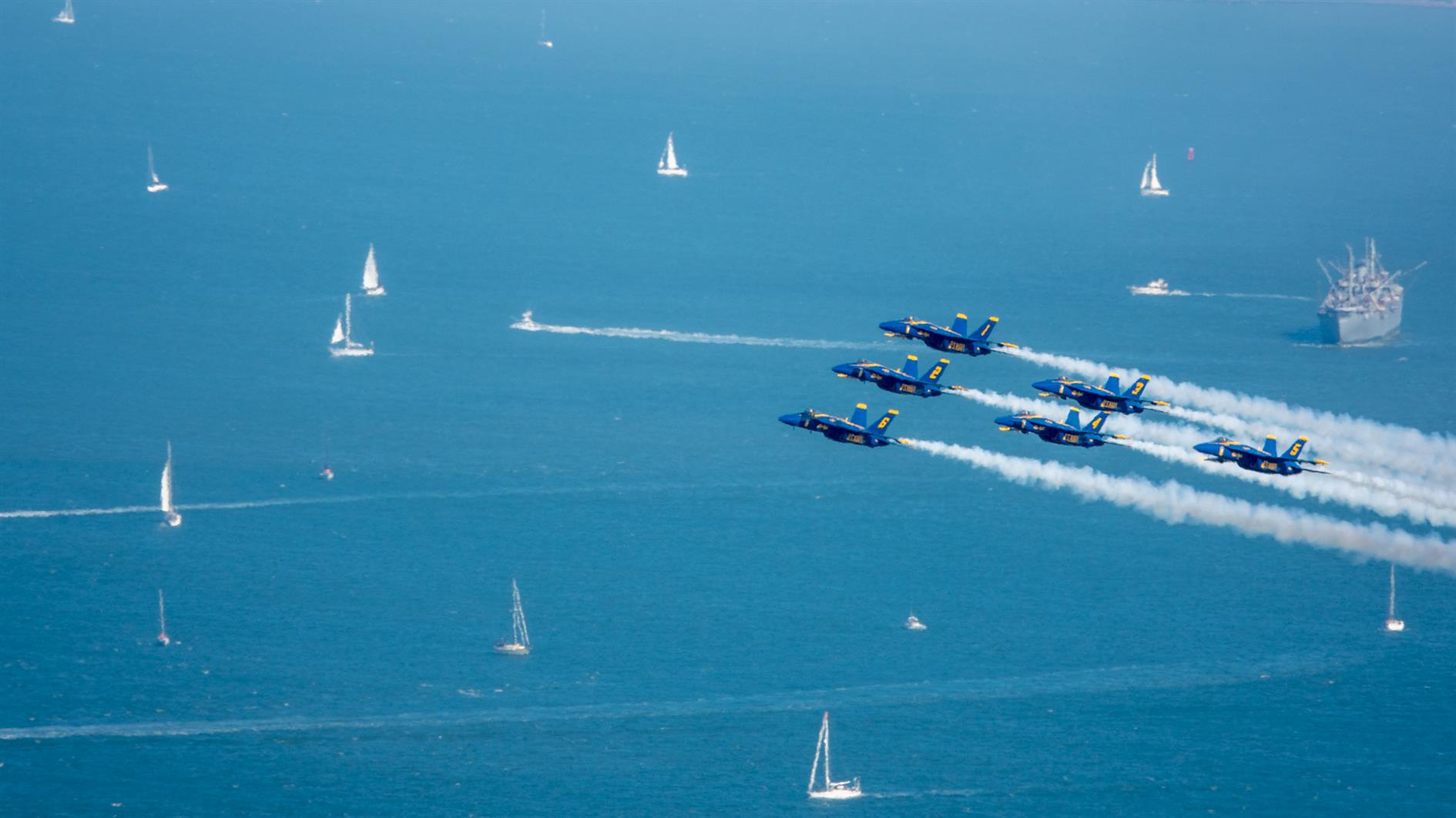
Blue Angels at the San Francisco 2021 Fleet Week Air Show.

Here's a timelapse video of the United 777, Fat Albert and the full Blue Angels performance, shot from Slacker Hill in the Marin Headlands:

(Previously: Fleet Week 2019 Air Show)

Sugarloaf Stars and Milky Way

By . Updated on

Sugarloaf Stars and Milky Way

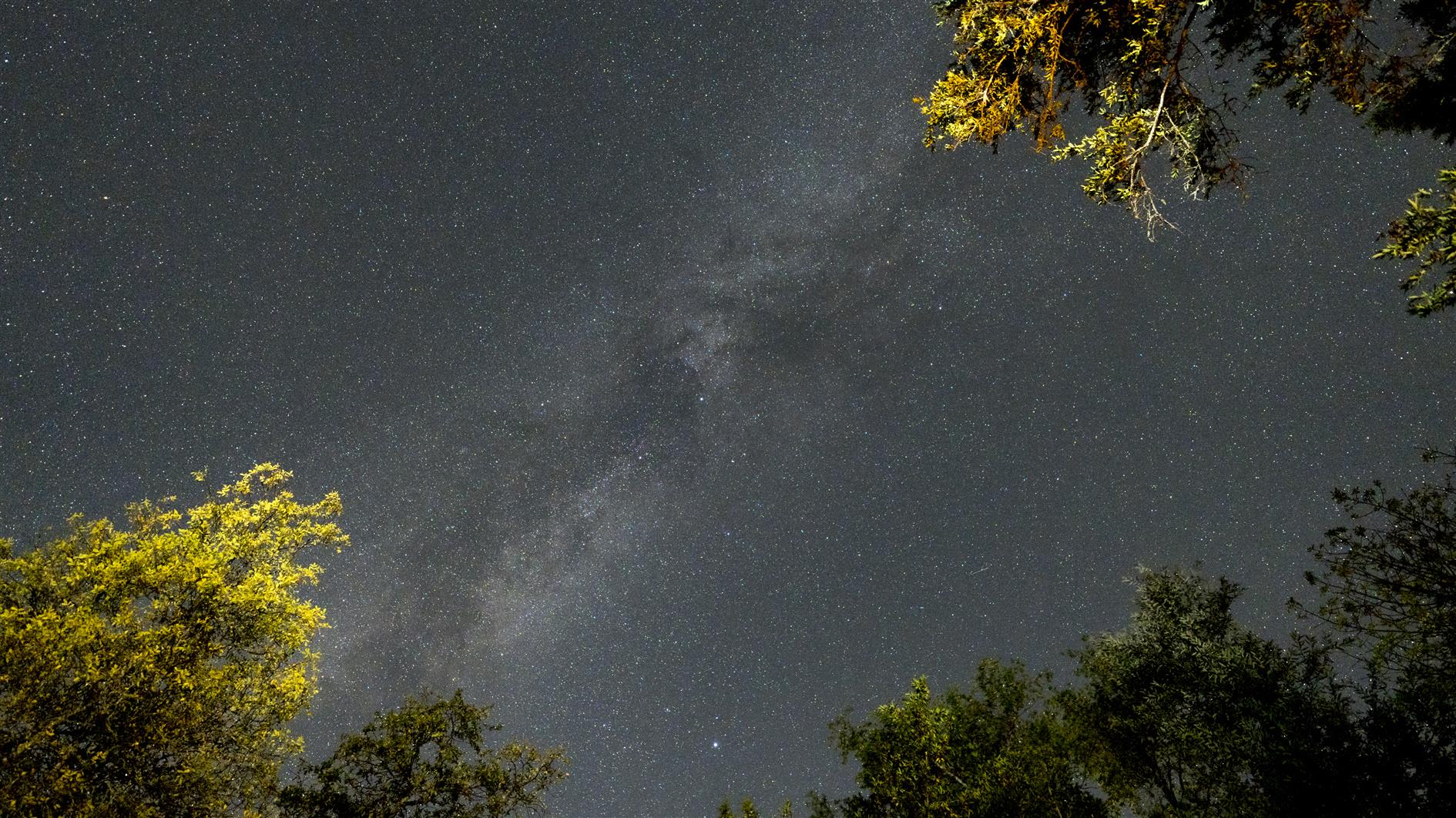
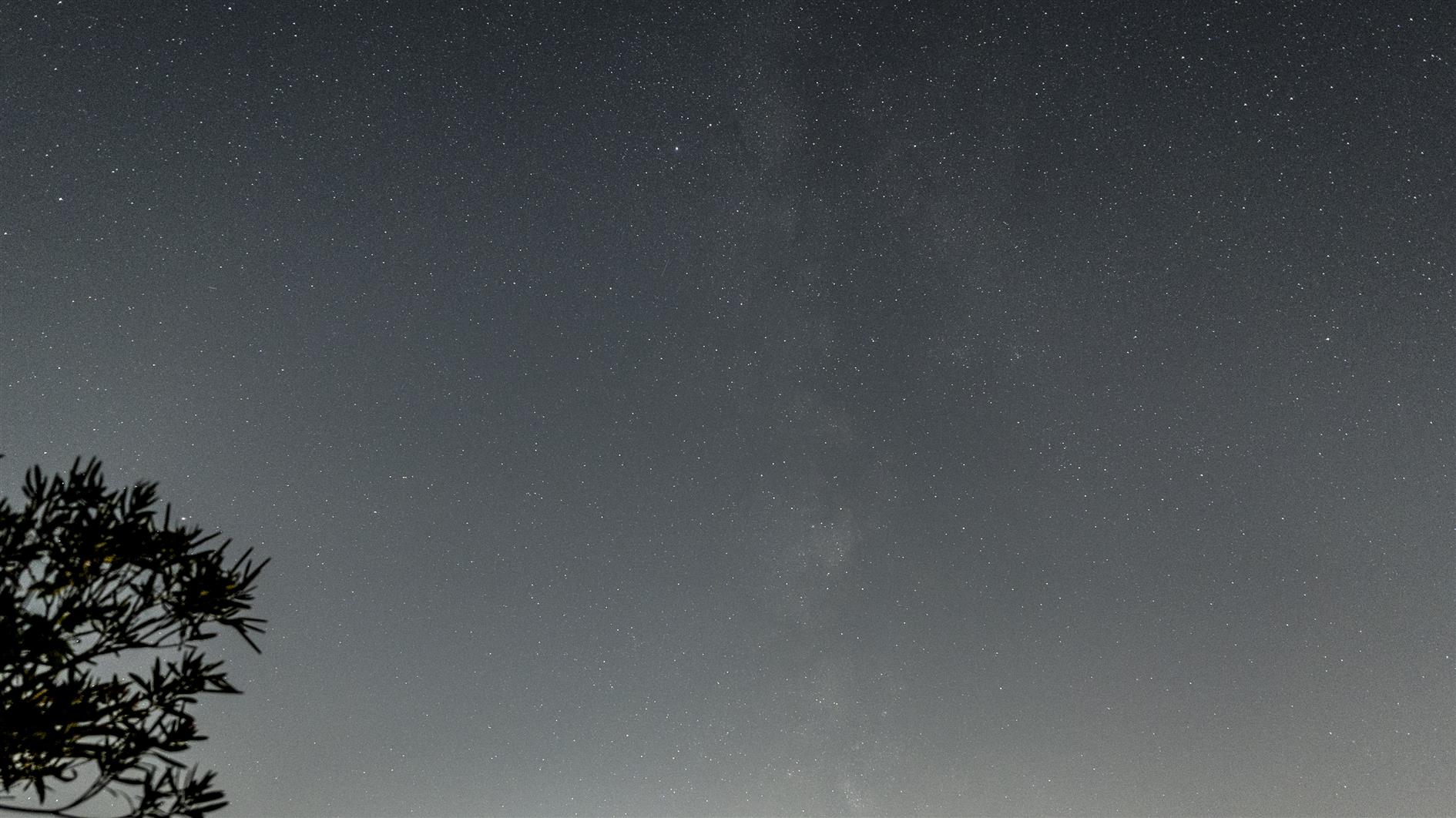
4K timelapse of stars and the milky way (and various planes and satellites) over the campground at Sugarloaf Ridge State Park. Shot while relaxing by the campfire so every time I throw on a log you can see the trees light up and then some smoke drift across the frame.

(Previously: Sugarloaf Stars)

Sunny afternoon at Fort Funston (a timelapse)

By . Updated on

ff

Timelapse of a pleasant sunny afternoon at Fort Funston, part of the Golden Gate National Recreation Area.

This is the first time I've tried to shoot a timelapse using my Pixel 4 XL. It's easy enough to work with, although frustratingly you can only deal in 5x's and 10x's and not actual intervals. It would be great to have a bit more control. But given time to kill and no good camera it was a lot more fun than no timelapse at all.

(Previously: Humpback Whale at Fort Funston)

Adobe Super Resolution Timelapse (Crystal Growth)

By . Updated on

Adobe Super Resolution Timelapse (Crystal Growth)

This is the third batch of crystals from our National Geographic Mega Crystal Growing Lab kit (see the previous two).

I have been meaning to experiment with Adobe's Super Resolution technology and this seemed like a good project for it. The video below has the same timelapse sequence repeated three times. If you're not bored of crystals growing yet you soon will be (don't worry, this is the last for now). The first version is a 2x digital zoom - a 960x540 crop of the original GoPro footage. The second version uses Super Resolution to scale up to full 1920x1080 HD. Finally I added both side by side so you can try to tell the difference.

Super Resolution generates a lot of data. I tried to use it once before for a longer sequence and realized that I didn't have enough hard drive space to process all the frames. In this case I upscaled the 960x540 JPEGs which went from 500K to 13MB, quite a jump. I don't see a huge difference in the side by side video though and wouldn't go through the extra steps based on these results. It's possible that going to JPEG before applying super resolution didn't help with quality. It's also possible that Adobe doesn't train its AI on a large array of crystal growth photos so I can imagine it might work better for a more traditional landscape timelapse. I'll test both these hypotheses together the next time I 10x my storage.

Crystal World

By . Updated on

Crystal World

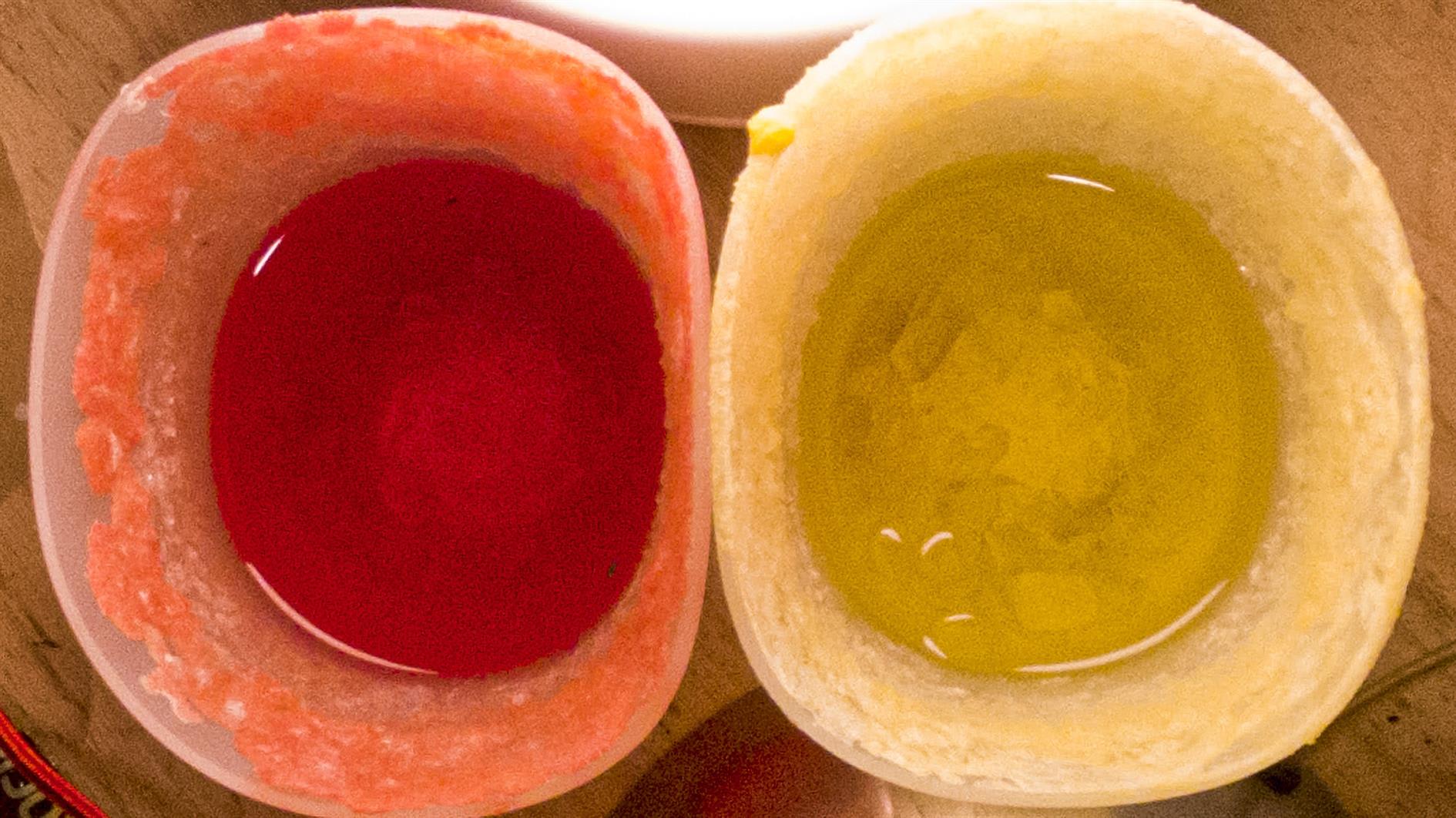
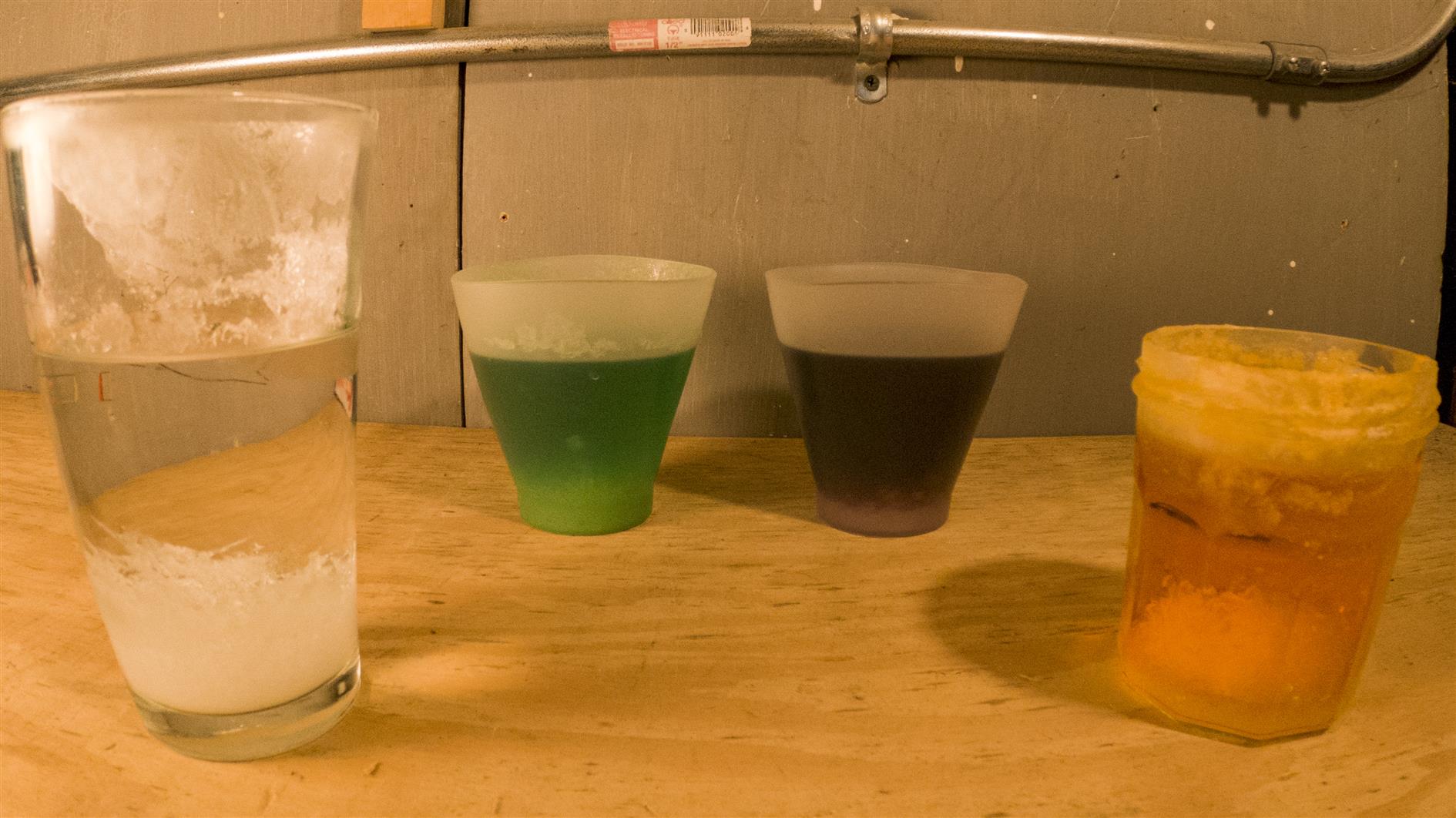
A timelapse of four containers growing crystals from the National Geographic Mega Crystal Growing Lab. The sequence was shot over two weeks (one frame every four minutes, running at 60 frames per second).

It should have taken less time. They recommend a growing area that is at least 68 degrees. This shouldn't be a problem with most of the country suffering record temperatures under heat domes if not actively burning in record breaking wildfires, but San Francisco is experiencing its coldest summer in more than five decades so two weeks seems like the minimum.

Other than not attempting to grow crystals in San Francisco, the other lesson learned is that you really want to use the two silicone cups included in the kit. We tried a pint glass that just grew fuzz (possibly due to the age and pitted nature of the glass) and a jam jar that grew cute small crystals that then made a decent attempt at escaping down the outside. I think three weeks and it would be a full J. G. Ballard situation.

Updated 2021-09-04 18:54:

Second batch. This time shot from above. It's still cold, so this is three weeks, 5 min interval and 60 frames per second for the timelapse:

Updated 2021-09-12 12:57:

Third batch. We're well into September but San Francisco is still bathed in fog. This is still at 5min per frame, but only took two weeks as I moved the lights closer in. For this timelapse I experimented with Adobe Super Resolution so the video has the same sequence three different ways (I wrote a separate post on the Super Resolution experiment).

Milky Way and stars over Redding

By . Updated on

Milky Way and stars over Redding

Time lapse of stars and the milky way over Redding, California. Nice to have got the milky way as there is still a fair bit of light pollution in this area. Shot over three nights in July 2021. Shot on a Sony A7C with 20mm f1.8 G lens. Post processed in Lightroom, LRTimelapse, Resolve and Filmstro Pro.

Stars over Columbia State Historic Park

By . Updated on

Stars over Columbia State Historic Park

Timelapse of stars over Columbia State Historic Park in California.

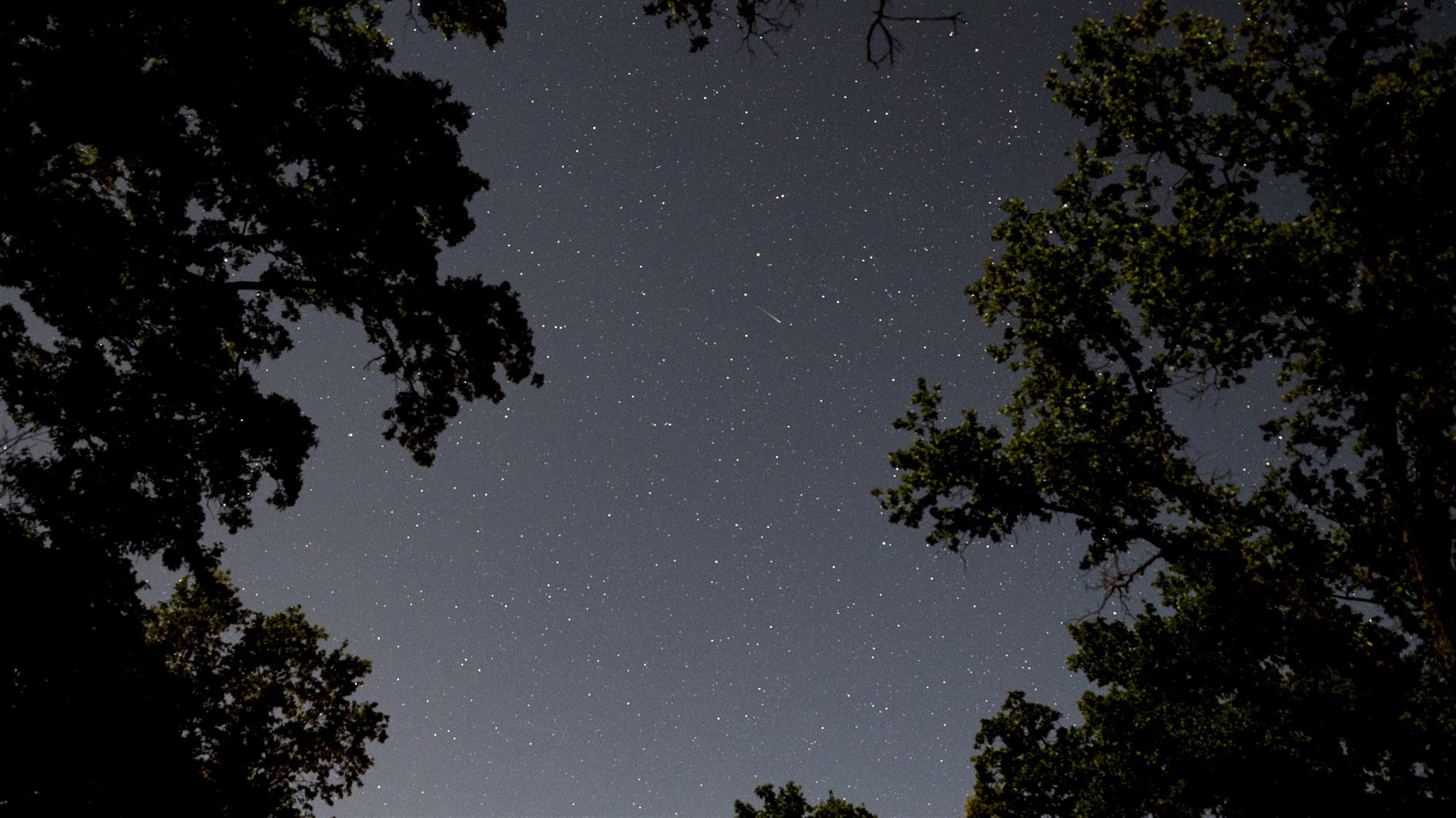
The video has four sequences shot over two nights. It was a challenging weekend right before the Summer Solstice with a pretty bright moon, but there are some hints of milky way in there. The first and third clips are from a Sony A7C with 20mm f1.8 G lens. The second and fourth are from a GoPro Hero 8 Black which suffered from a few stuck pixels but nice enough overall. Post processed in Lightroom, LRTimelapse, Resolve and Filmstro Pro.

Super Flower Blood Moon Eclipse

By . Updated on

Super Flower Blood Moon Eclipse

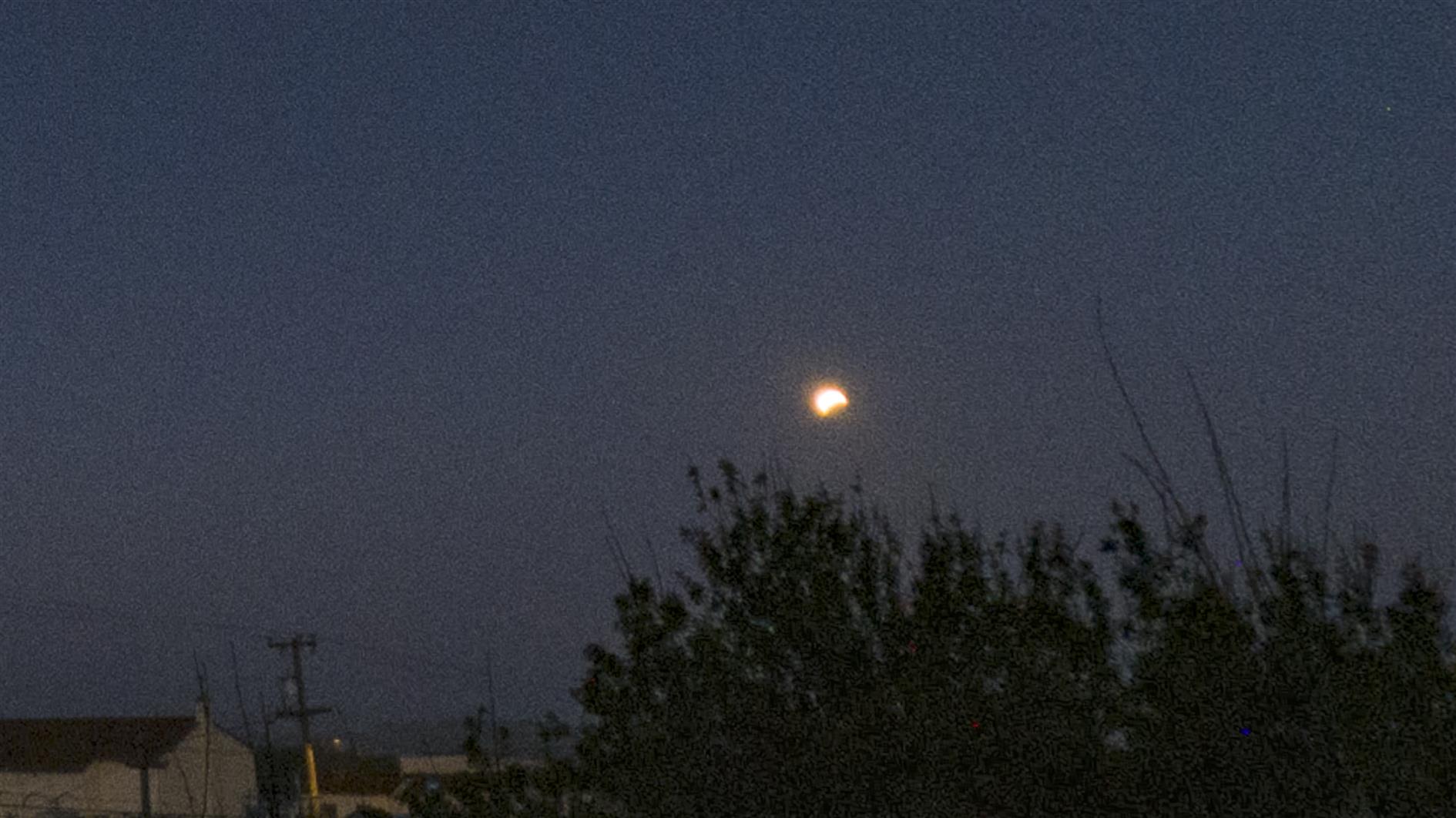
Timelapse video of the super flower blood moon lunar eclipse on May 26, 2021:

I left my GoPro Hero 8 out overnight in the hopes that the San Francisco fog would cooperate. It did, somewhat! There is some cloud cover scudding by but you can see the eclipse pretty clearly. The advantage of the GoPro is that it has a wide field of view to capture the entire eclipse and is water (fog) proof and so unconcerning to leave out all night. The disadvantage is that you can't really nail the exposure. In nightlapse mode the shortest shutter speed you can set is five seconds in raw mode - way too long. In regular timelapse mode you can't set the shutter speed at all. I dialed in 2 stops of exposure compensation but that wasn't really enough. Better than the last one I accidentally caught on a dropcam so progress at least.