Fortune Cookies for Android: get a Joke or Quote around 8 a.m. Daily

Fortune Cookies for Android

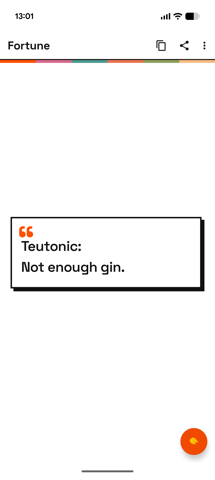
Fortune is an Android app that dispenses a joke, quote or other useless nugget around 8 a.m. every day.

Download Fortune

If that's not enough you can run the app and hit the fortune button to get another. You can copy or share the current fortune, and you can enable or disable the various included cookie files from settings. Almost 50,000 fortunes are included, providing well over a century of content at one cookie per day.

Fortune has been part of UNIX since 1979, often configured to run on login. For a mobile phone port, unlocking is too frequent and reboots are far and few between, so every morning felt like the right compromise.

Please note that I have not read all of the fortunes, but I know that some of them can be offensive. You should install and use this app at your own risk understanding that the content can be controversial, disgusting and sometimes just not that funny. You can control this risk in settings by selecting which files to include in your daily dose.

Fortune for Android was first released in 2013. There is a much older (unmaintained) Windows version here.

Updates

Fortune Cookies for Android
Fortune Cookies for Android

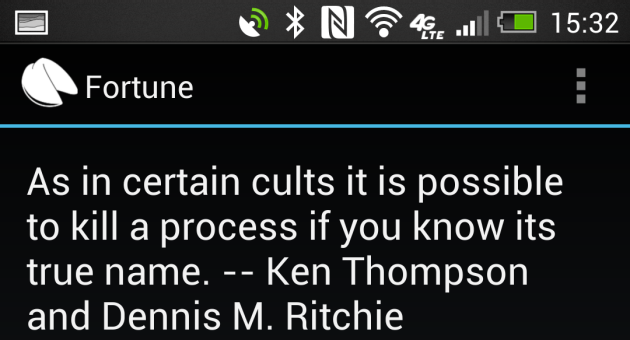
Fortune is now available on Google Play. It's an Android version of the UNIX fortune program and will send a random fortune cookie to your notification area at 8ish every morning.

Fortune Cookies for Android 1.30

Fortune Cookies for Android 1.30

I've just released Fortune Cookies for Android 1.30. The last update was in... 2013... it turns out the Android ecosystem has moved on a bit since then and it wasn't even in the Play Store any more as a result. This update has a nice modern theme but is otherwise just an Android version of the classic UNIX fortune command. The database of fortunes is ancient and just running this might get you canceled / fired / etc so use with due caution. If you have this installed it will update as soon as the release is approved.

Fortune Cookies for Android 1.50
Fortune Cookie Icon

Fortune Cookies for Android 1.50 is now available in the Google Play Store.

This update was driven by Google insisting that I target API level 34. Which is fair enough and I figured this would be a five minute task followed by a smooth release. I should have known better.

Of course the starting point is updating Visual Studio, updating the Android SDK, learning that my emulator won't launch any more and eventually coaxing it back to life. That's a couple of hours. Why this doesn't just happen when I'm doing other things I don't know, but for dev tools this has to be a ceremony.

Once all of that was done I learned that Xamarin was officially deprecated in May. I'm going to have to figure out MAUI.

There is a helpful migration page with this gob smacking advice:

"Once your dependencies are resolved and your code and resource files are added to your .NET native project, you should build your project. Any errors will guide you towards next steps."

I think they hired Yoda:

"Errors, they are. Guide you, they will, towards your next steps. Warnings, hmm, check them out you must... eventually. But information issues? Merely whispers they are, nudging you towards shiny new platform features, yes! Listen, you might, if time you have."

Anyway... the actual mechanics of getting this working in MAUI were not that bad. It could be that I need to reinstall my system with extreme prejudice but the platform itself seems to be very unstable. I constantly got Visual Studio and cryptic compile errors that went away on rebuild or a restart. Starting the android emulator has completely frozen my system several times requiring a hard reboot. I don't think I've had that experience since the Clinton administration.

Once it was finally working the Google Play Developer console wanted my "private" key, which I gave it; and to have a conversation about my tax situation in Cuba, which I'm ignoring for now.

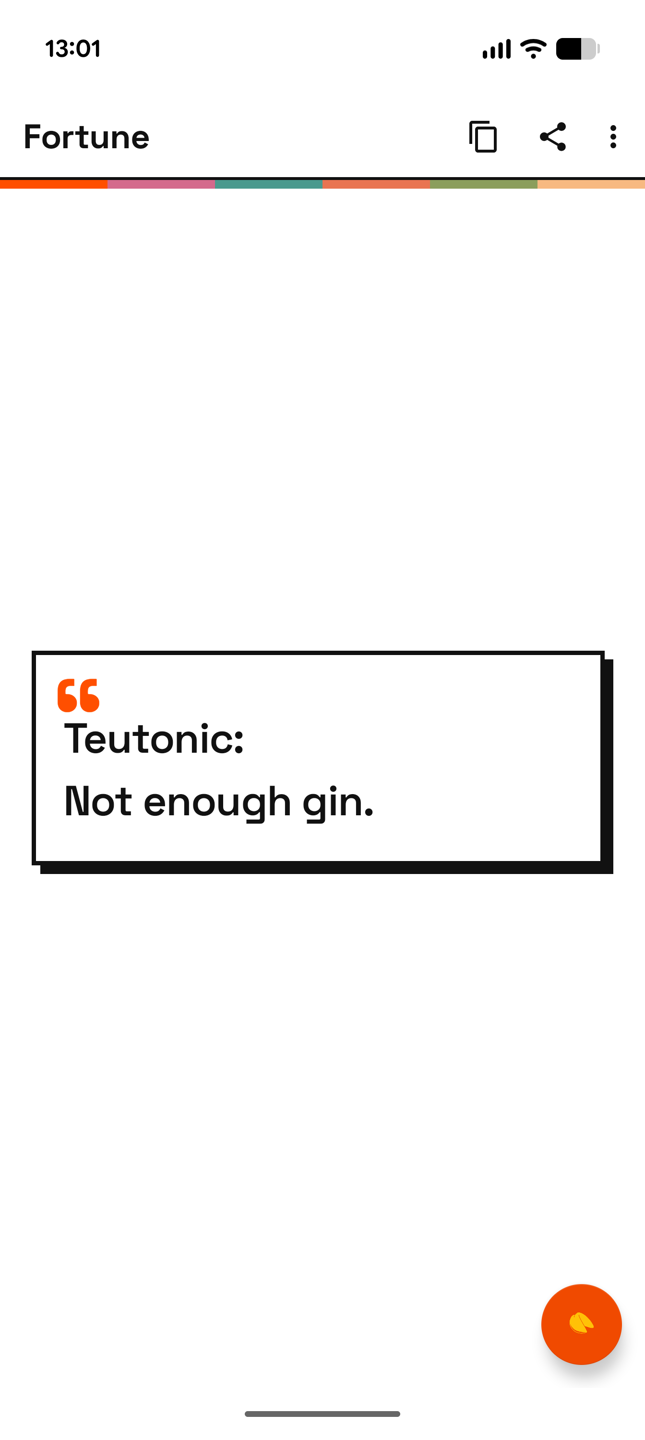
As well as a brand new API target Fortune has a nifty new color scheme, a floating action button with a little fortune cookie on it, and will ask you nicely for permission to send notifications.

Fortune Cookies for Android 2.00
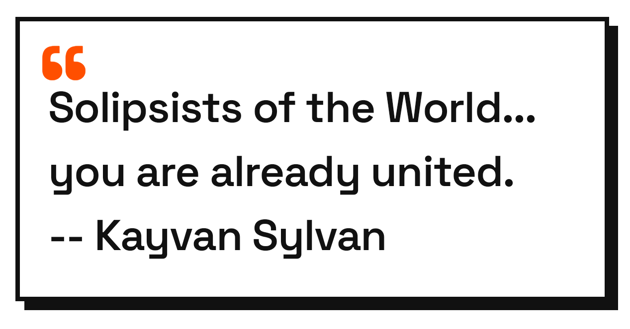
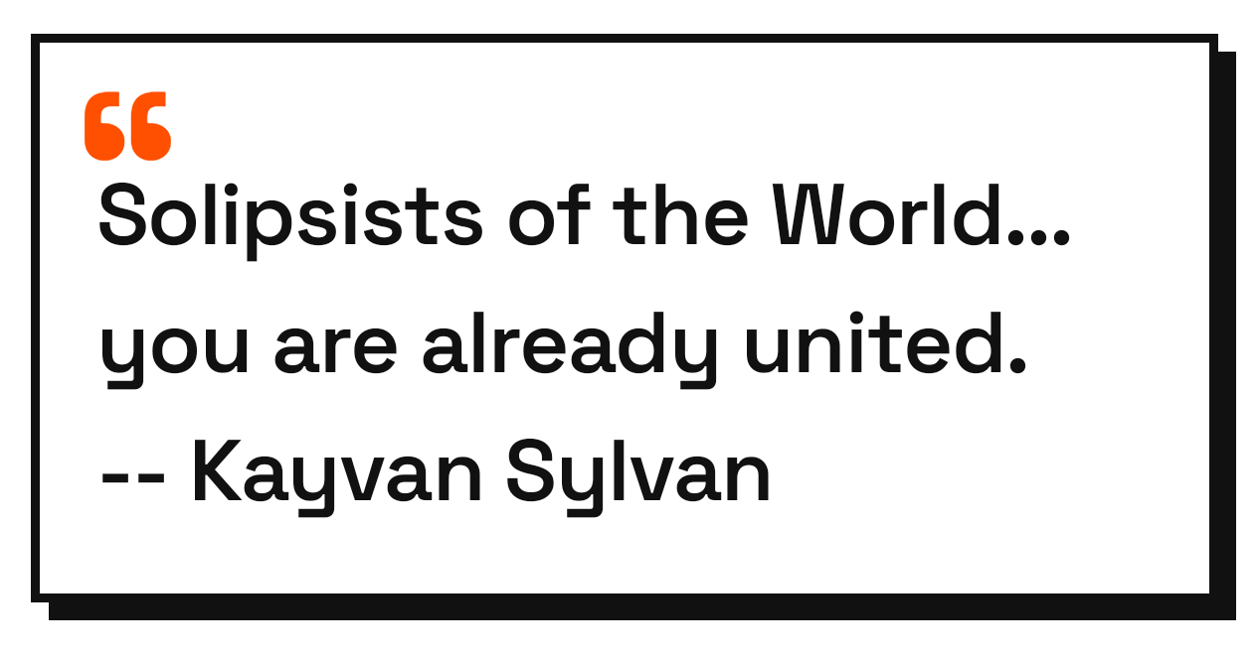
Solipsists of the World... you are already united.

Fortune 2.00 is rolling out on Google Play.

I've been asked to support copying the current fortune. A new menu allows you to both copy and share. I've also been asked to allow picking fortune categories. The installed list has increased from around 30,000 to almost 50,000 fortunes and there are settings to pick which cookie files to include.

The notification now includes more of the fortune text so in many cases you can read the full fortune without opening the app.

Finally the design has been refreshed and the fortune is auto-sized so that shorter texts are more readable.

Fortune brings UNIX style fortune cookies to Android. You'll get a random fortune delivered some time between 8 and 9am every day, or you can just browse random fortunes in the app if you've run out of other things to doom scroll.
Catfood Earth 5.00

By . Updated on

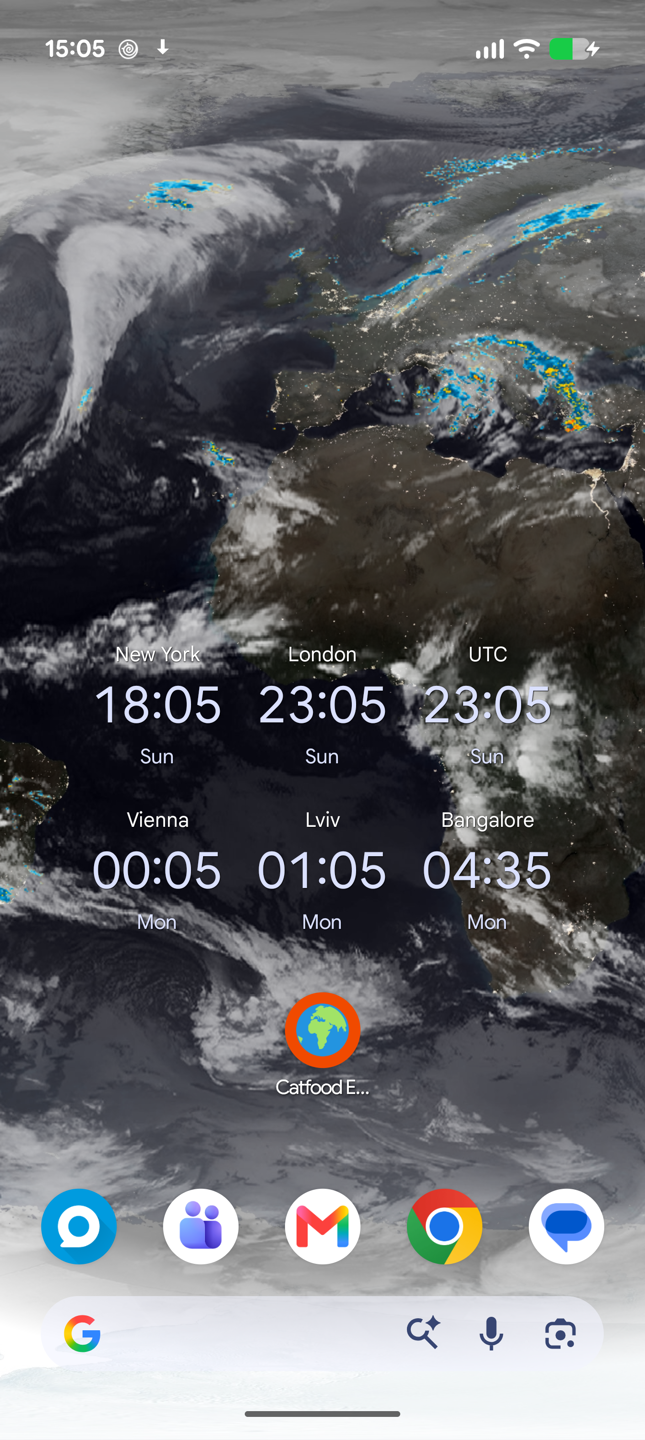
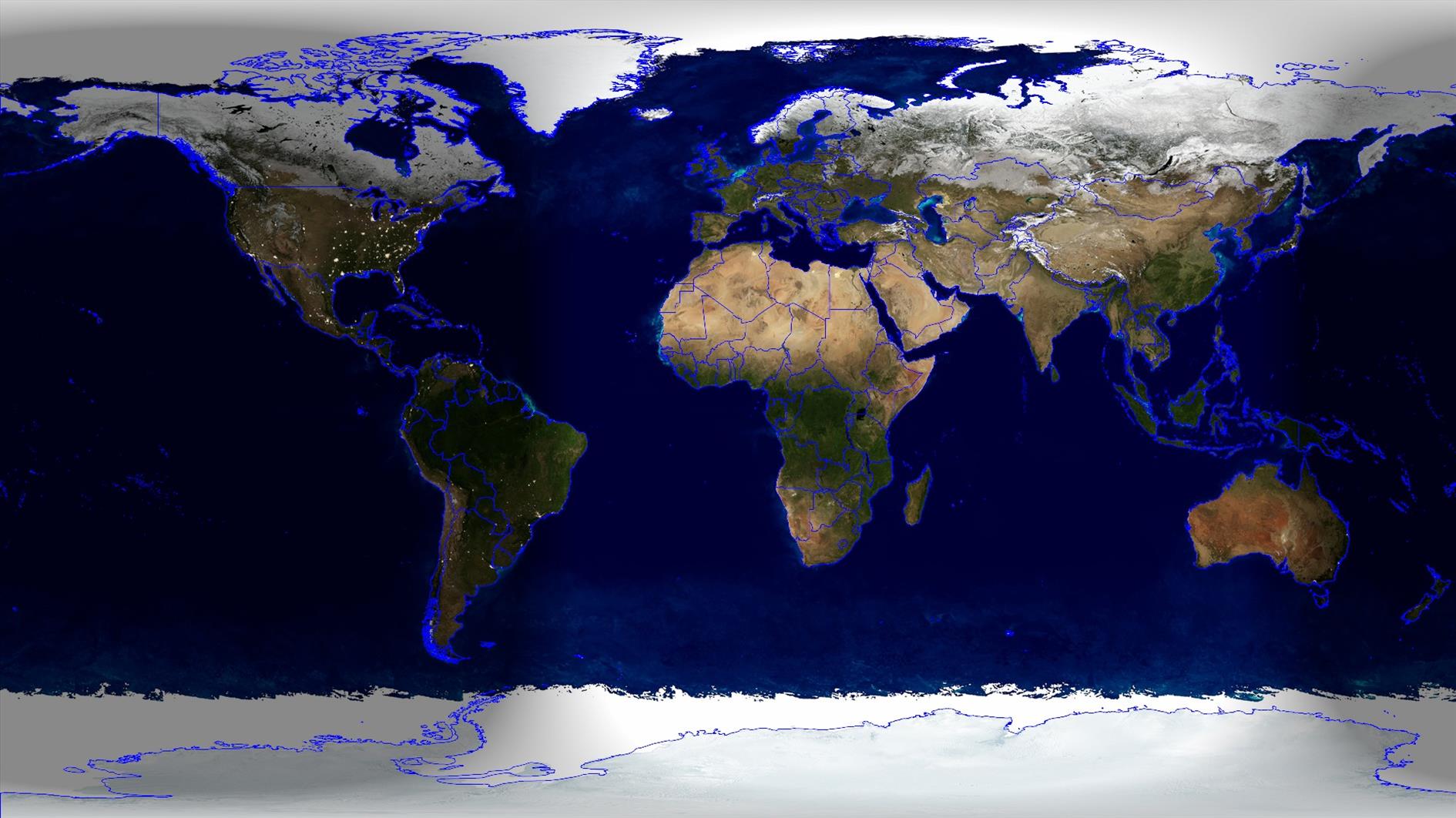
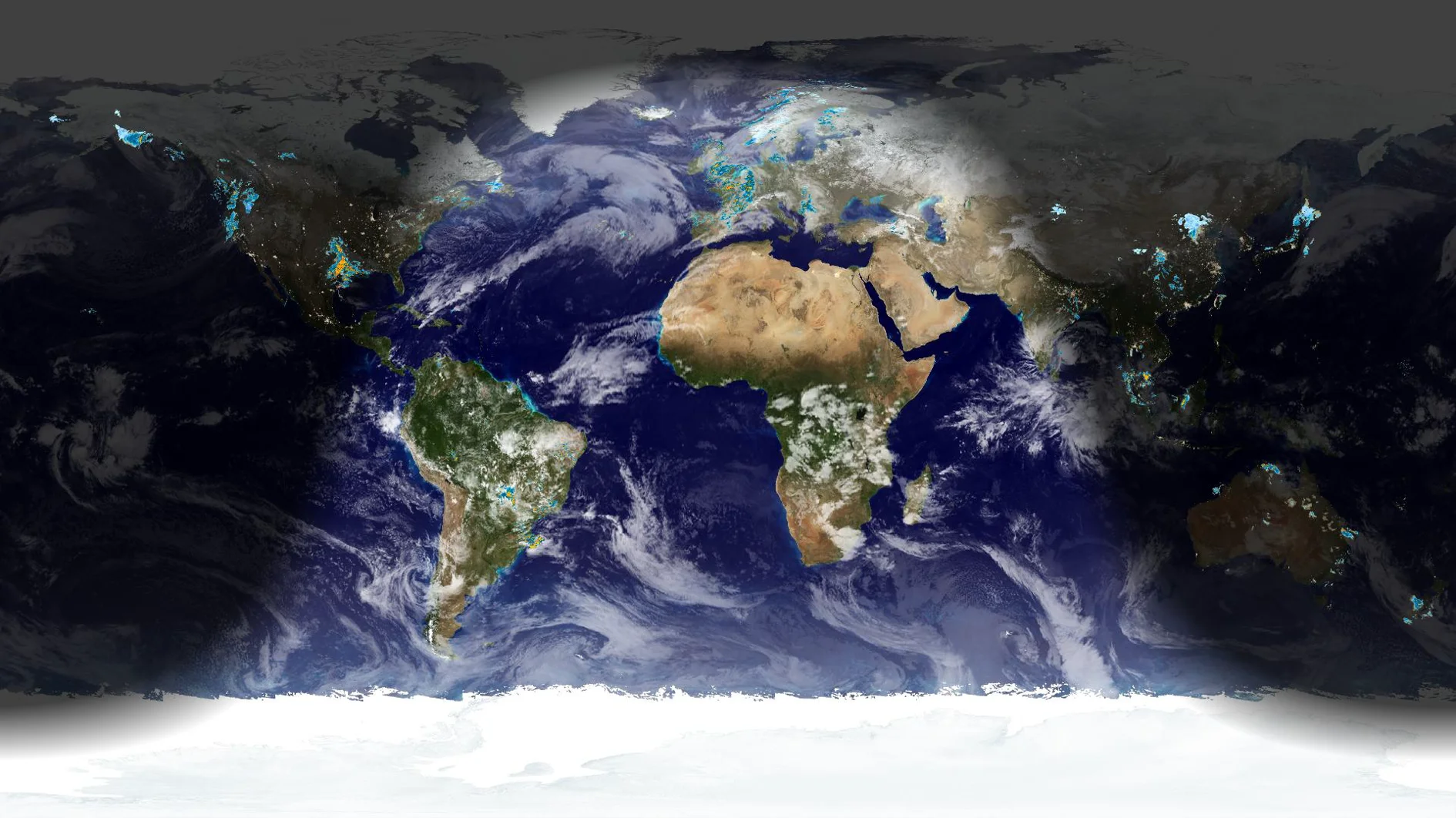
Global Weather Radar in Catfood Earth 5.00

Catfood Earth 5.00 adds global weather radar, a new cloud layer option, and better support for multi-monitor systems.

In addition to the new features Catfood Earth 5.00 is now distributed through the Microsoft Store. If you have 4.41 or any previous release please uninstall from Apps > Installed apps in Windows Settings before upgrading. Your settings will be preserved. Install 5.00 by searching for Catfood Earth in the Microsoft Store (or directly here). Future updates will be delivered automatically.

If you enjoy Catfood Earth please take a moment to rate and review in the Microsoft Store app. You must be signed in to leave a rating. I'm brand new in the store and a few reviews would really help make the product more visible. Thank you! Catfood Earth is free and ad-free, I work on it just for the pleasure of seeing people use it.

The new global weather radar option adds a 4K overlap from RainViewer. You can still manually add a comma separated list of US weather radar stations.

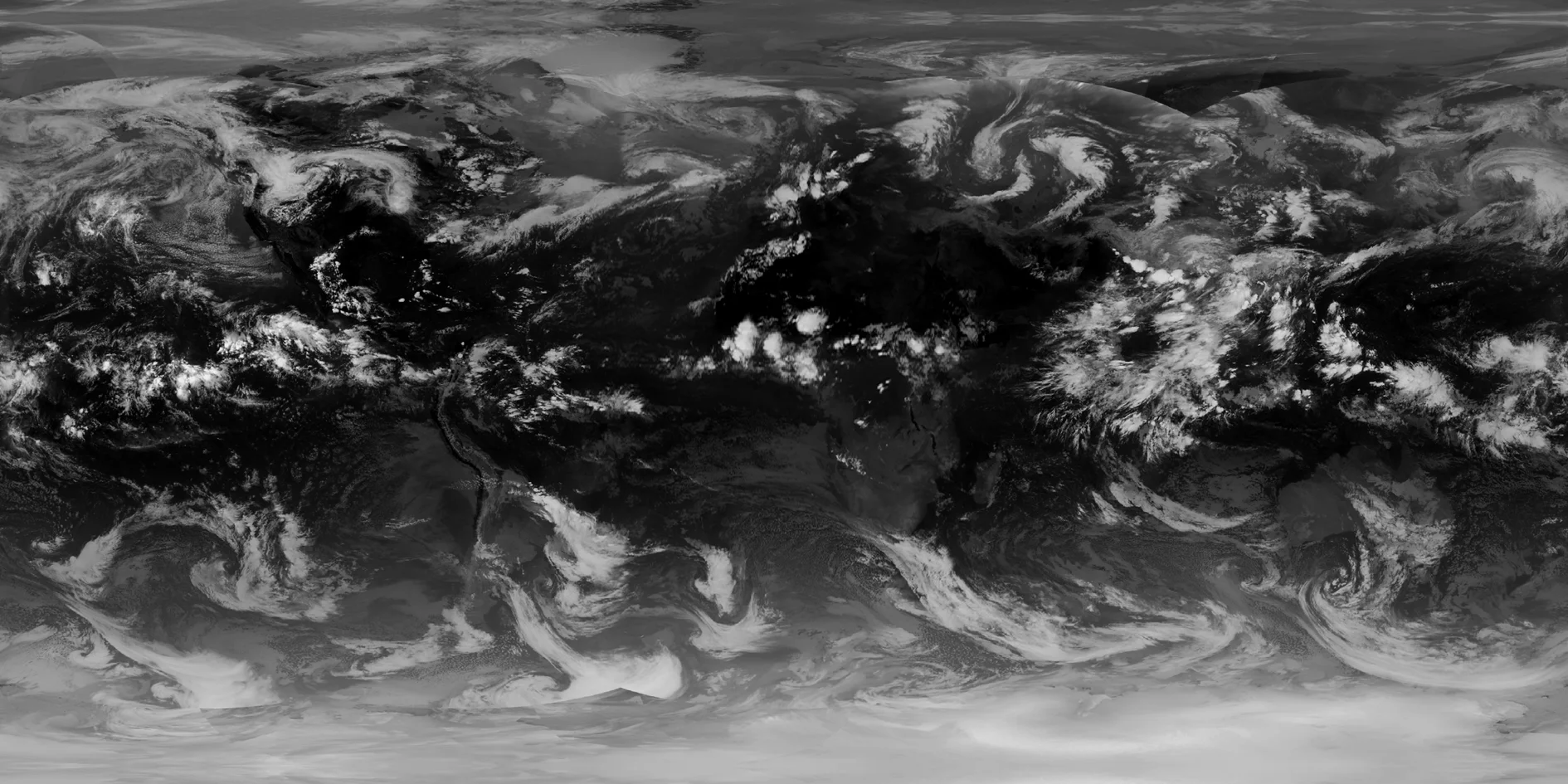
Under clouds you can choose between Global IR and Global Composite. The composite version has been available off-menu for a while but is now an officially supported option. Composite means that infrared and visible images are combined, resulting in more cloud detail in the visible spectrum. The trade off is that the composite image sometimes has artifacts between the different bands. Use the IR version if you prefer a smoother but less detailed image.

If you have multiple-monitors you can now choose to stretch the image across displays instead of repeating it. Choose Span across displays under Wallpaper > Layout and then click Adjust map placement... to fine tune. You can pan and zoom the image as needed to suit your setup. Earth remembers this setting per monitor configuration.

Lastly, Catfood Earth Settings has been modernized (WinUI / .NET 10). Most settings are in roughly the same place so navigation should be easy if you have used Catfood Earth before. There used to be an installed shortcut to select the Catfood Earth Screensaver. This is now a button in Catfood Earth Settings under Wallpaper > Startup. Use this rather than attempting to select the screensaver manually. Themes are now under Wallpaper > Layer Presets.

I hope you enjoy Catfood Earth 5.00. This is a significant release, and the move to the Microsoft Store should be a big improvement for upgrades as well as making the product easier to find and install for new users. If you have any questions or if something isn't working right for you please leave a comment below.

Catfood Earth for Android 4.60

By . Updated on

Catfood Earth for Android 4.60

Catfood Earth for Android 4.60 is now rolling out on Google Play.

There is a new global weather radar layer with data courtesy of RainViewer. The radar data will update every ten minutes or so, and is off by default (toggle on in settings).

I also fixed a bug that slowed down the next update after a system timezone change.

Catfood.Shapefile 3.00

By . Updated on

I just released Catfood.Shapefile 3.00 on NuGet and GitHub.

There is a breaking change with bounding boxes. The bounding box returned by the library has been broken since the first version. From 3.00 the correct bounding box is returned, but you can opt into the old behavior by passing BoundingBoxConvention.Legacy to the constructor.

DbfDataReader has replaced OleDb for accessing metadata. This will fix platform support issues for OleDb. It necessitated a move to .NET Standard 2.1, so use Shapefile 2.00 if you need .NET Standard 2.00.

I added support for missing shapes (M and Z variants mostly), and the library will now handle missing files so you can read shapes with just a .shp file if that's all you have.

Catfood Earth for Android 4.51

By . Updated on

Catfood Earth for Android 4.51

Catfood Earth for Android 4.51 is now available on Google Play.

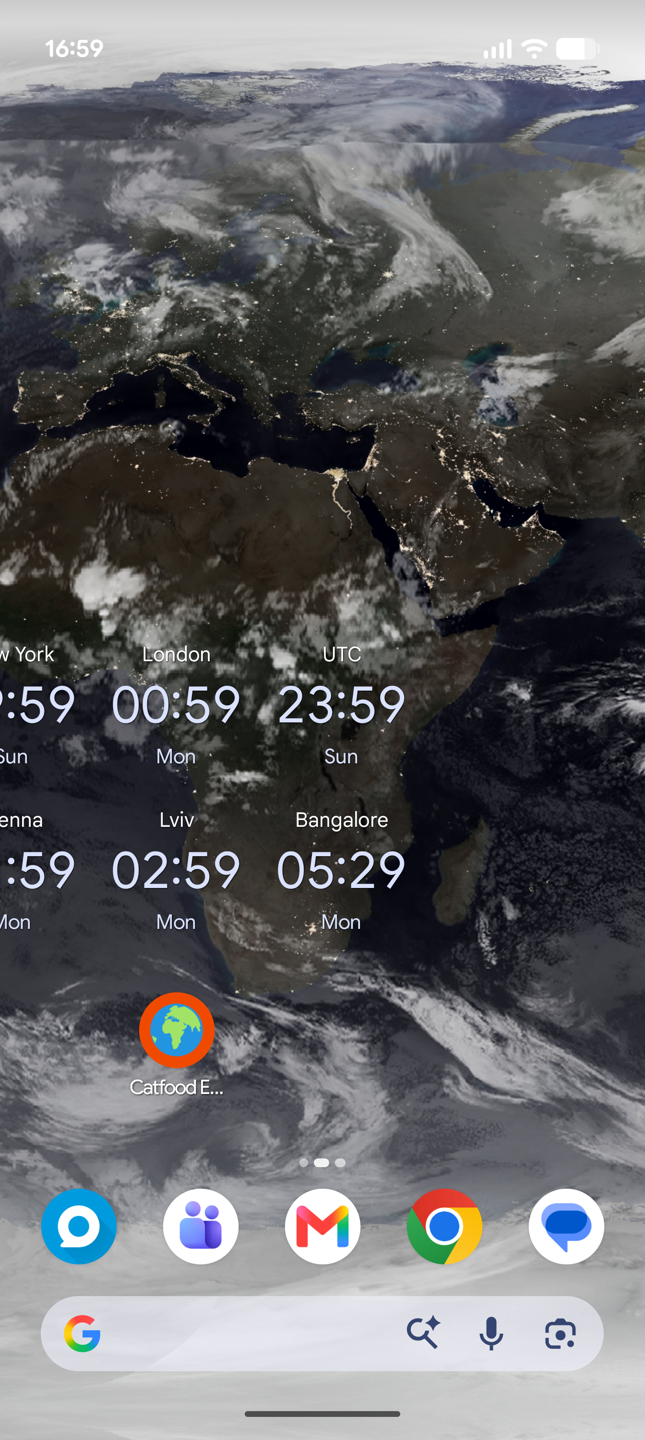
The big change is parallax scrolling. If your launcher has multiple pages Earth will now scroll as you swipe. You can control the size of the effect, and you can go back to the original behavior of a single screen-wide image if that's what you prefer.

A cloud selector now allows you to easily move between Global IR and a Global Composite without needing a custom clouds URL. The Global Composite has more detail in daylight areas at the expense of some artifacts from the merging. This is now the default. Global IR is smoother but less detailed.

Location updates every five minutes now instead of hourly, so if you use You Are Here and/or center on your current location this now updates faster. It bothered me that this took a while after a flight. I have also generally tidied up settings to improve clarity and make it easier to configure Earth.

Fortune Cookies for Android 2.00

By . Updated on

Solipsists of the World... you are already united.

Fortune 2.00 is rolling out on Google Play.

I've been asked to support copying the current fortune. A new menu allows you to both copy and share. I've also been asked to allow picking fortune categories. The installed list has increased from around 30,000 to almost 50,000 fortunes and there are settings to pick which cookie files to include.

The notification now includes more of the fortune text so in many cases you can read the full fortune without opening the app.

Finally the design has been refreshed and the fortune is auto-sized so that shorter texts are more readable.

Fortune brings UNIX style fortune cookies to Android. You'll get a random fortune delivered some time between 8 and 9am every day, or you can just browse random fortunes in the app if you've run out of other things to doom scroll.
Catfood Earth for Android 4.42

By . Updated on

Composite visible and infra-red clouds

Catfood Earth 4.42 for Android is rolling out on Google Play.

With this release it's now possible to set a custom cloud layer download URL, like the composite experiment linked to from this post. Clouds are also lighter by default - you can increase transparency in settings if you'd prefer them to be less prominent. Finally, the Catfood Earth launcher has been redesigned to clarify the setup process.

Existing users will get this update automatically. If you have Android without Catfood Earth you should give it a try.

Code Signing Inflation

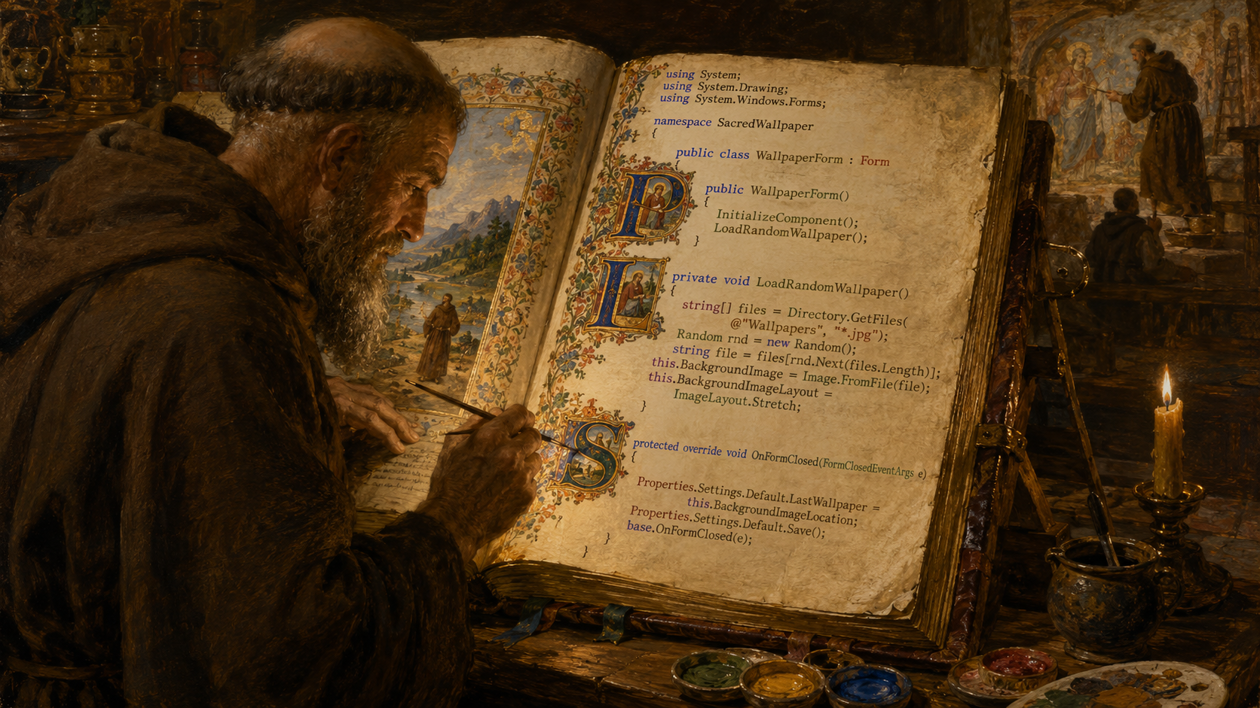
A monk illuminates some code

I have been in a Windows software writing funk for the past year because my code signing certificate expired and during those happy three years of signing the industry changed beyond all recognition.

Code signing, or Authenticode, proves that my software came from me and hasn't been altered (as long as I'm not careless with my private key, and some alteration is possible). Windows is increasingly hysterical about running unsigned installers, and for good reason, so I have always signed anything I distribute widely.

For a long time I used K Software, who resold Comodo certificates (now Sectigo), and that cost me $70 a year with a 3 year certificate. K Software doesn't seem to exist any more, and Sectigo's list price is $715 / year. I'm not paying that to distribute free software. Part of the cost increase is that private keys either need to be on secure devices or hosted. Not a bad idea as compromised keys are an obvious disaster. There are some cheaper resellers but any palatable certificate cost seems to require a paid service for the actual signing.

When I last looked at this Microsoft had an interesting option on Azure (Artificat Signing) but it was only open to companies with three years of history, and so I gave up and worked on Android and web apps instead. This has now changed, and you can get an individual code signing service up and running for $10/month. I don't love it, but I'm willing to pay. There is a 'quick start' guide to get you up and running. I highly recommend pasting this into the LLM of your choice for a walkthrough, as it's a miserable process. I have got it going though and released a Catfood Earth update. Because it's a new certificate I'm starting from scratch on anti-virus reputation, unavoidable.

A few tips. Make sure your billing account for Azure is the name you want on the certificate first. Azure is a beast - full of things like progress for activating a service that ends up with it in an unactivated state until you refresh the page, or a mandatory selection on step 2 of a process that blocks you from completing step 1. I don't feel that this is a service they're excited to provide. Identity verification was online and fast which was pleasant (based on a drivers license for me). The person plan requires you to be in the US or Canada and supports up to 5,000 signatures a month.

Catfood Earth 4.41

By . Updated on

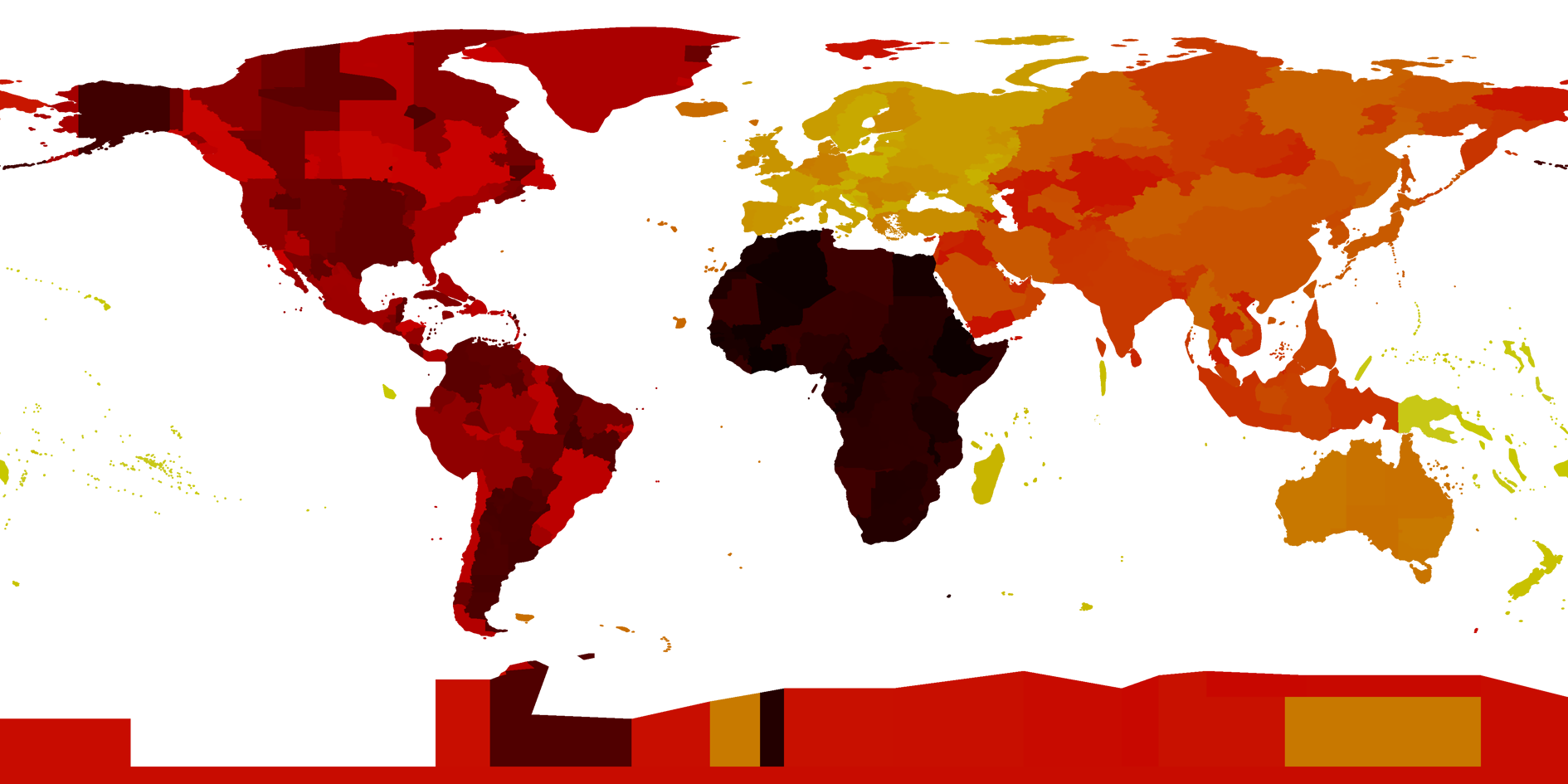
Time Zone Color Map

I just released Catfood Earth 4.41 for Windows: download here.

This version includes version 2026b of the IANA time zone database. British Columbia just switched to permanent daylight savings time and you'll need this update if that impacts your locations or other settings.

I also made a small change to better support high resolution displays. The font size is now automatically scaled. This started affecting me with a high resolution laptop that I dock to some low resolution monitors causing the font size to be wrong half the time. You might need to tweak your font size after installing this update.

Unfortunately I also switched my code signing certificate (more here) with this release. If Windows blocks install then go to Windows Security, App & browser control, Smart App Control settings and then switch off Smart App Control temporarily while you install. This should stop being a problem as Windows learns to trust the new certificate.