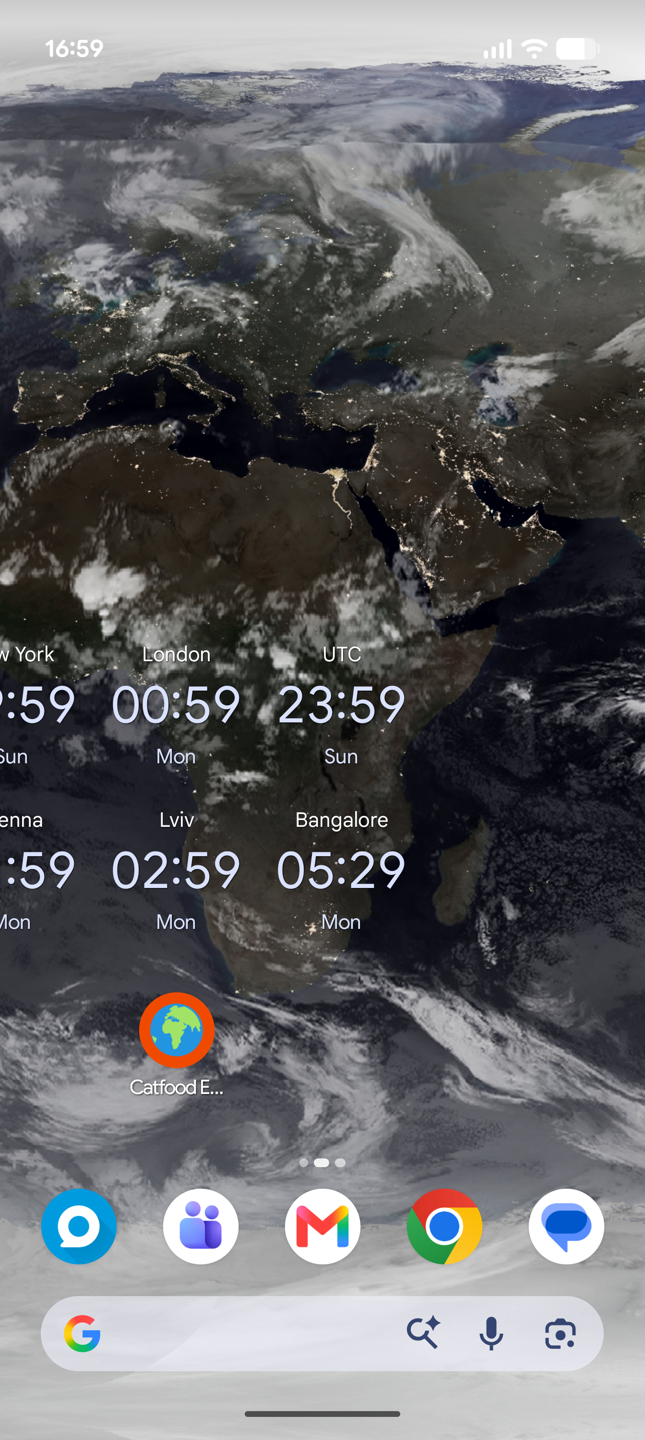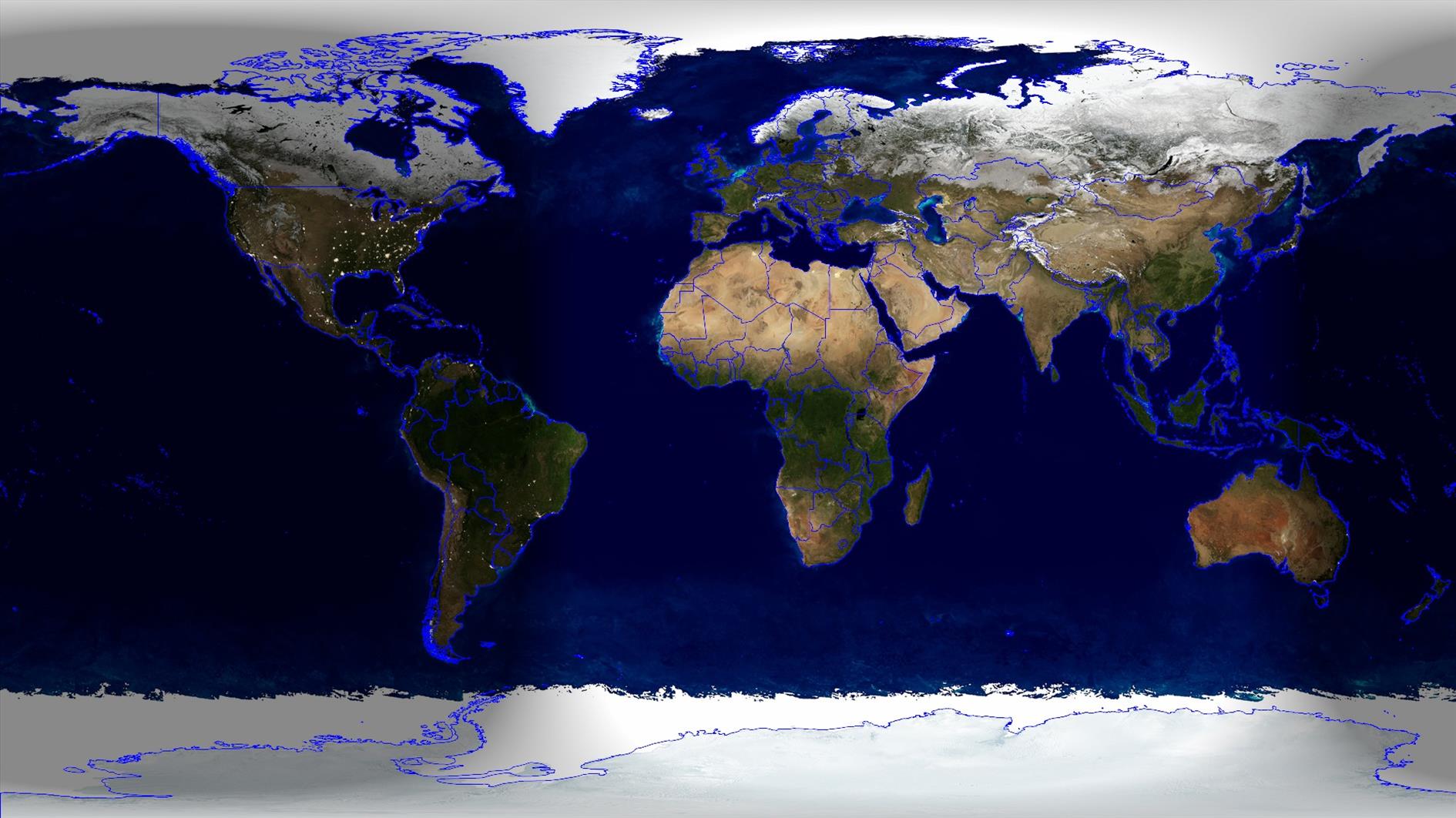
Catfood Earth 5.00

By . Updated on

Global Weather Radar in Catfood Earth 5.00

Catfood Earth 5.00 adds global weather radar, a new cloud layer option, and better support for multi-monitor systems.

In addition to the new features Catfood Earth 5.00 is now distributed through the Microsoft Store. If you have 4.41 or any previous release please uninstall from Apps > Installed apps in Windows Settings before upgrading. Your settings will be preserved. Install 5.00 by searching for Catfood Earth in the Microsoft Store (or directly here). Future updates will be delivered automatically.

If you enjoy Catfood Earth please take a moment to rate and review in the Microsoft Store app. You must be signed in to leave a rating. I'm brand new in the store and a few reviews would really help make the product more visible. Thank you! Catfood Earth is free and ad-free, I work on it just for the pleasure of seeing people use it.

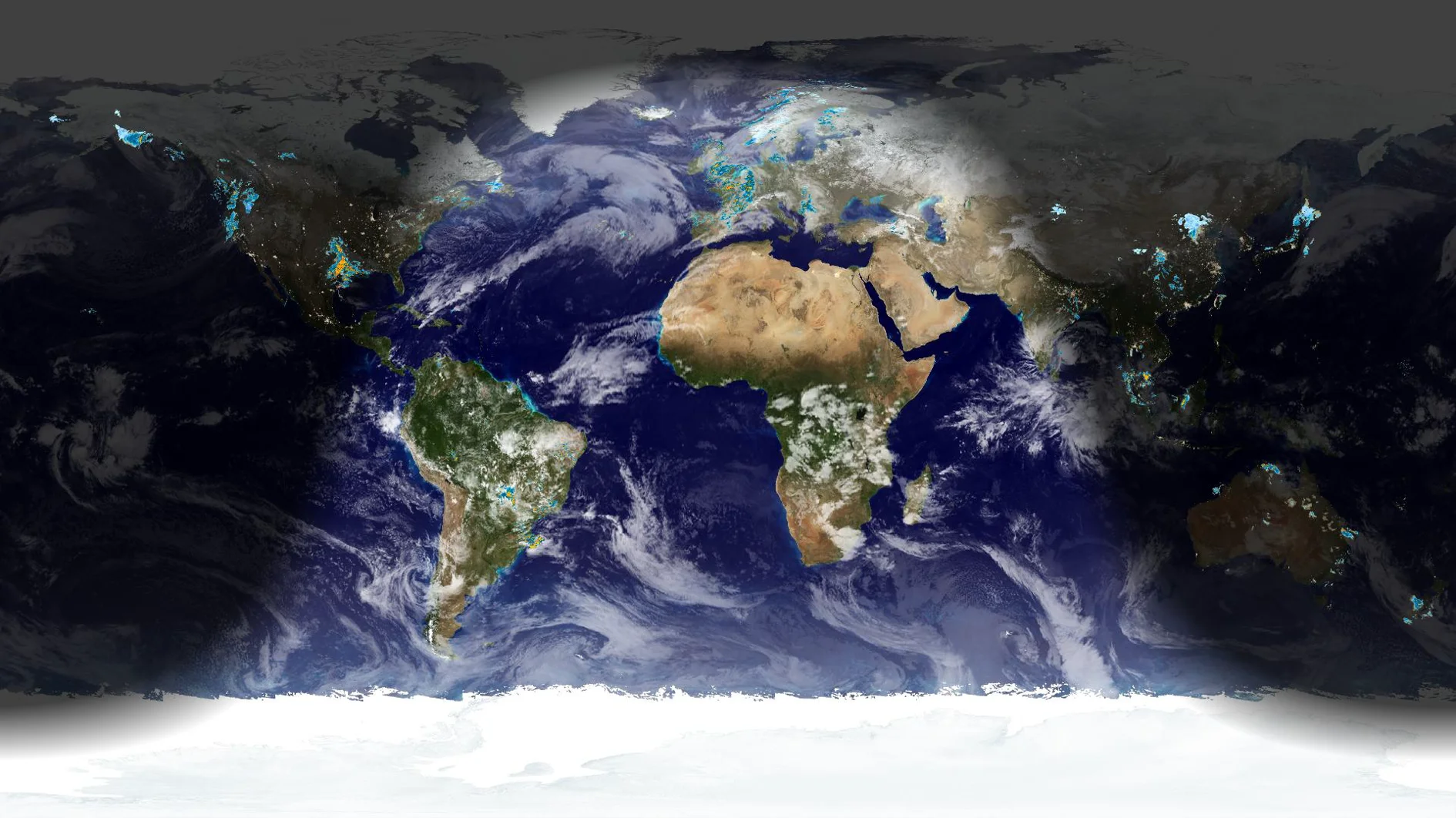
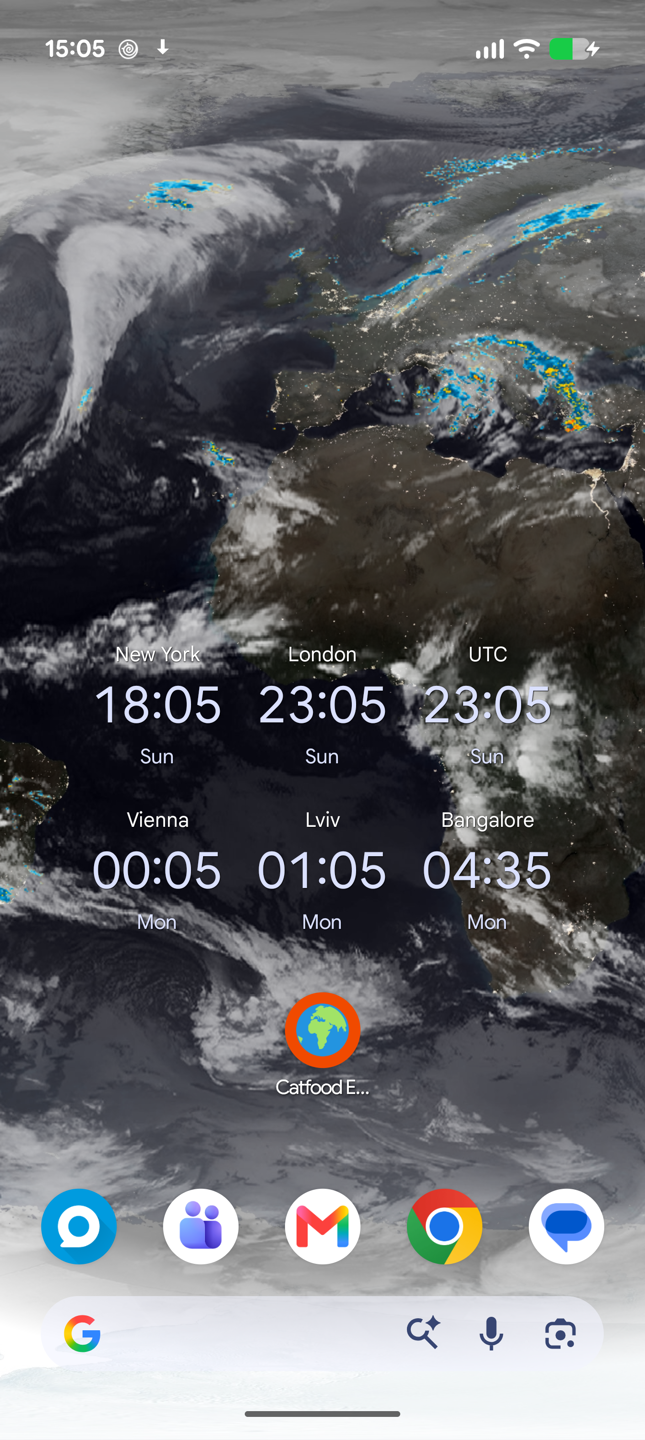
The new global weather radar option adds a 4K overlap from RainViewer. You can still manually add a comma separated list of US weather radar stations.

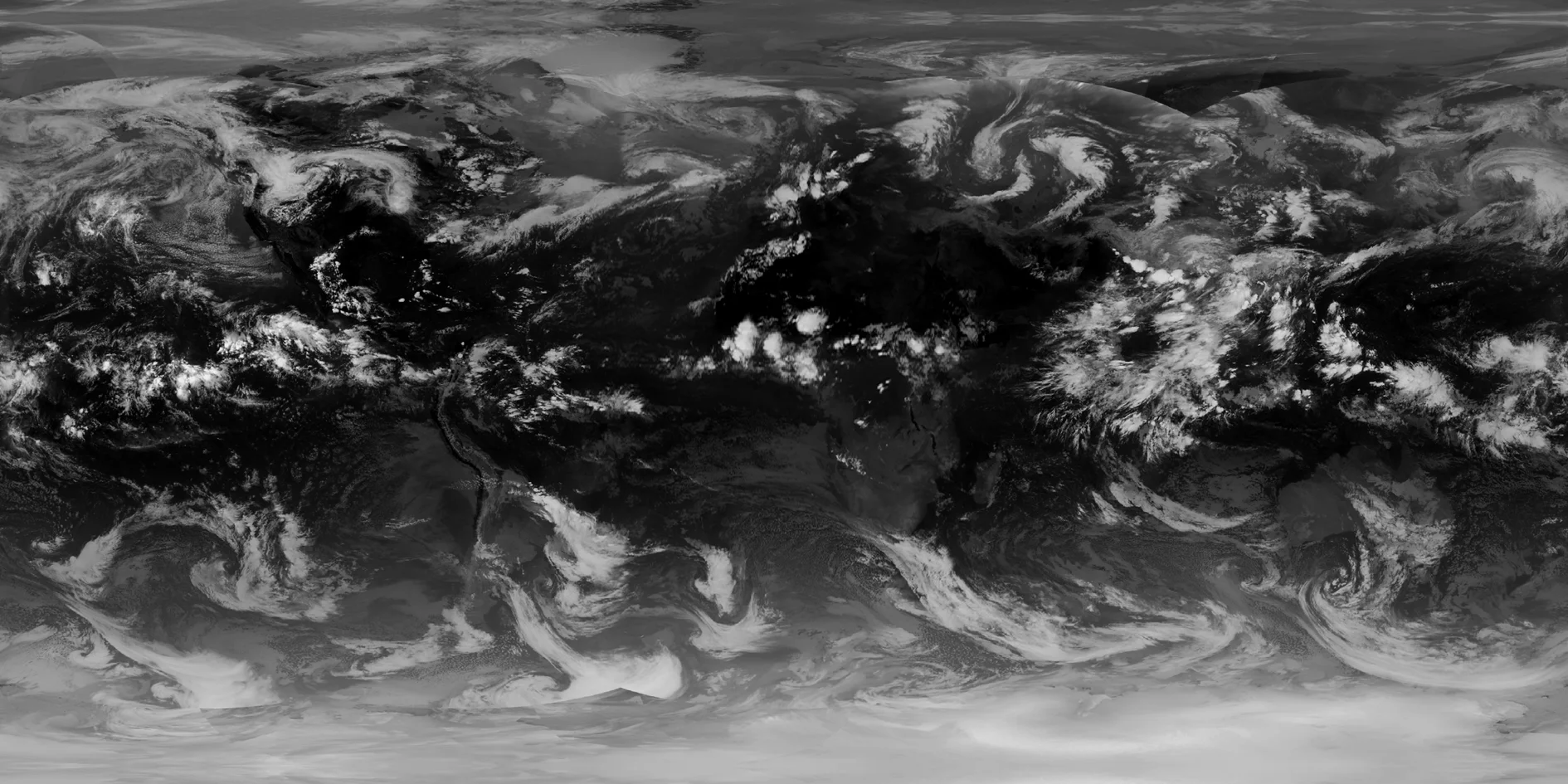
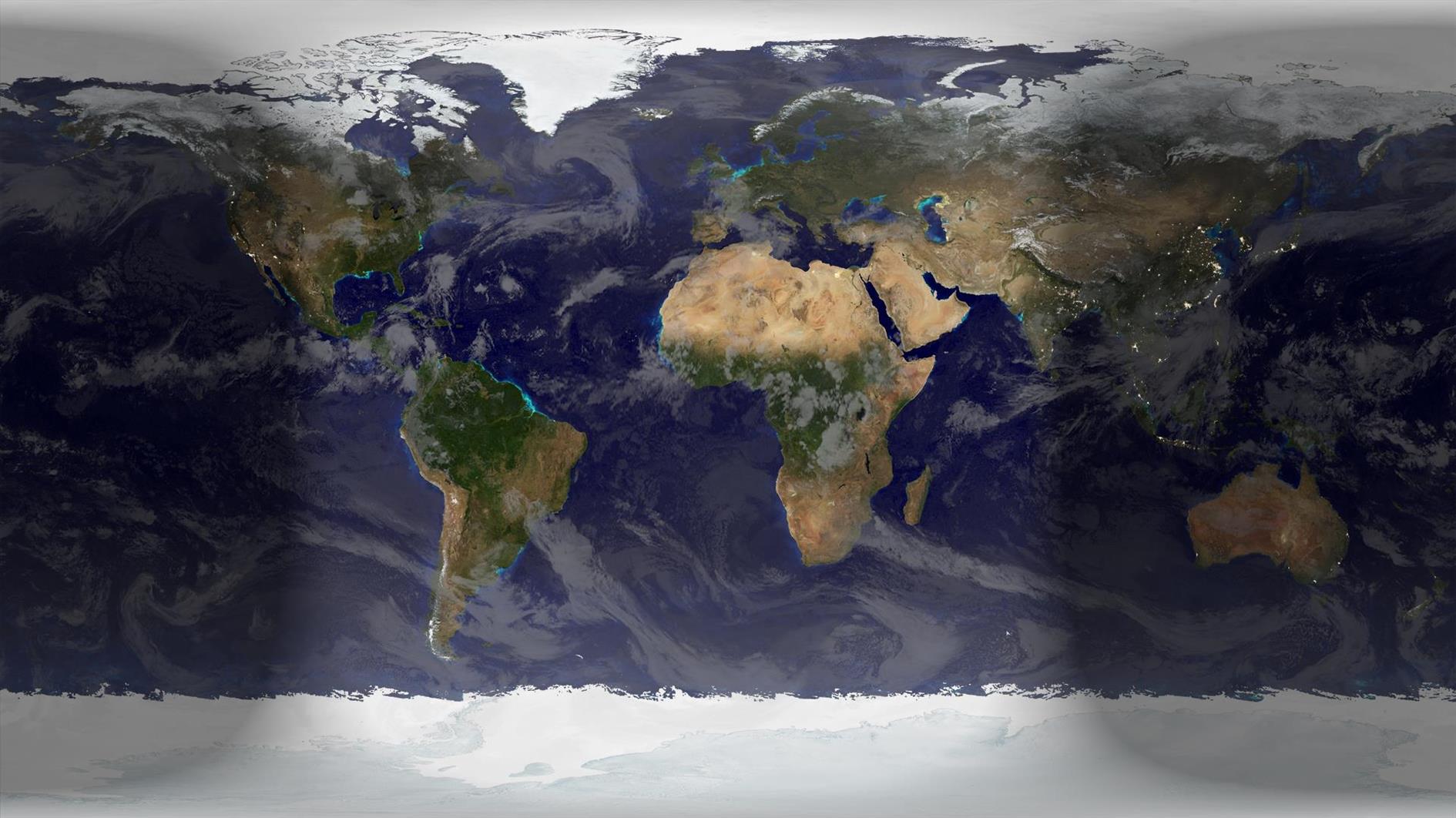
Under clouds you can choose between Global IR and Global Composite. The composite version has been available off-menu for a while but is now an officially supported option. Composite means that infrared and visible images are combined, resulting in more cloud detail in the visible spectrum. The trade off is that the composite image sometimes has artifacts between the different bands. Use the IR version if you prefer a smoother but less detailed image.

If you have multiple-monitors you can now choose to stretch the image across displays instead of repeating it. Choose Span across displays under Wallpaper > Layout and then click Adjust map placement... to fine tune. You can pan and zoom the image as needed to suit your setup. Earth remembers this setting per monitor configuration.

Lastly, Catfood Earth Settings has been modernized (WinUI / .NET 10). Most settings are in roughly the same place so navigation should be easy if you have used Catfood Earth before. There used to be an installed shortcut to select the Catfood Earth Screensaver. This is now a button in Catfood Earth Settings under Wallpaper > Startup. Use this rather than attempting to select the screensaver manually. Themes are now under Wallpaper > Layer Presets.

I hope you enjoy Catfood Earth 5.00. This is a significant release, and the move to the Microsoft Store should be a big improvement for upgrades as well as making the product easier to find and install for new users. If you have any questions or if something isn't working right for you please leave a comment below.
Catfood Earth for Android 4.60

By . Updated on

Catfood Earth for Android 4.60

Catfood Earth for Android 4.60 is now rolling out on Google Play.

There is a new global weather radar layer with data courtesy of RainViewer. The radar data will update every ten minutes or so, and is off by default (toggle on in settings).

I also fixed a bug that slowed down the next update after a system timezone change.

Catfood Earth for Android 4.51

By . Updated on

Catfood Earth for Android 4.51

Catfood Earth for Android 4.51 is now available on Google Play.

The big change is parallax scrolling. If your launcher has multiple pages Earth will now scroll as you swipe. You can control the size of the effect, and you can go back to the original behavior of a single screen-wide image if that's what you prefer.

A cloud selector now allows you to easily move between Global IR and a Global Composite without needing a custom clouds URL. The Global Composite has more detail in daylight areas at the expense of some artifacts from the merging. This is now the default. Global IR is smoother but less detailed.

Location updates every five minutes now instead of hourly, so if you use You Are Here and/or center on your current location this now updates faster. It bothered me that this took a while after a flight. I have also generally tidied up settings to improve clarity and make it easier to configure Earth.

Catfood Earth for Android 4.42

By . Updated on

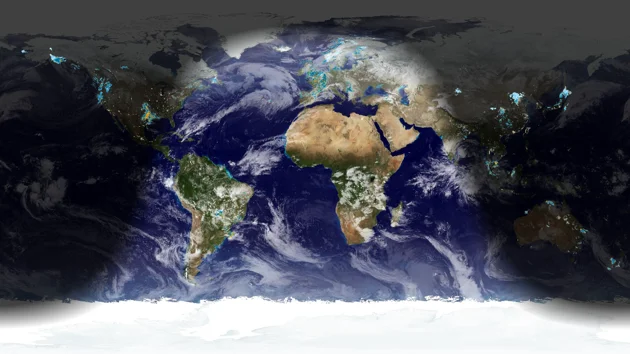
Composite visible and infra-red clouds

Catfood Earth 4.42 for Android is rolling out on Google Play.

With this release it's now possible to set a custom cloud layer download URL, like the composite experiment linked to from this post. Clouds are also lighter by default - you can increase transparency in settings if you'd prefer them to be less prominent. Finally, the Catfood Earth launcher has been redesigned to clarify the setup process.

Existing users will get this update automatically. If you have Android without Catfood Earth you should give it a try.

Catfood Earth 4.41

By . Updated on

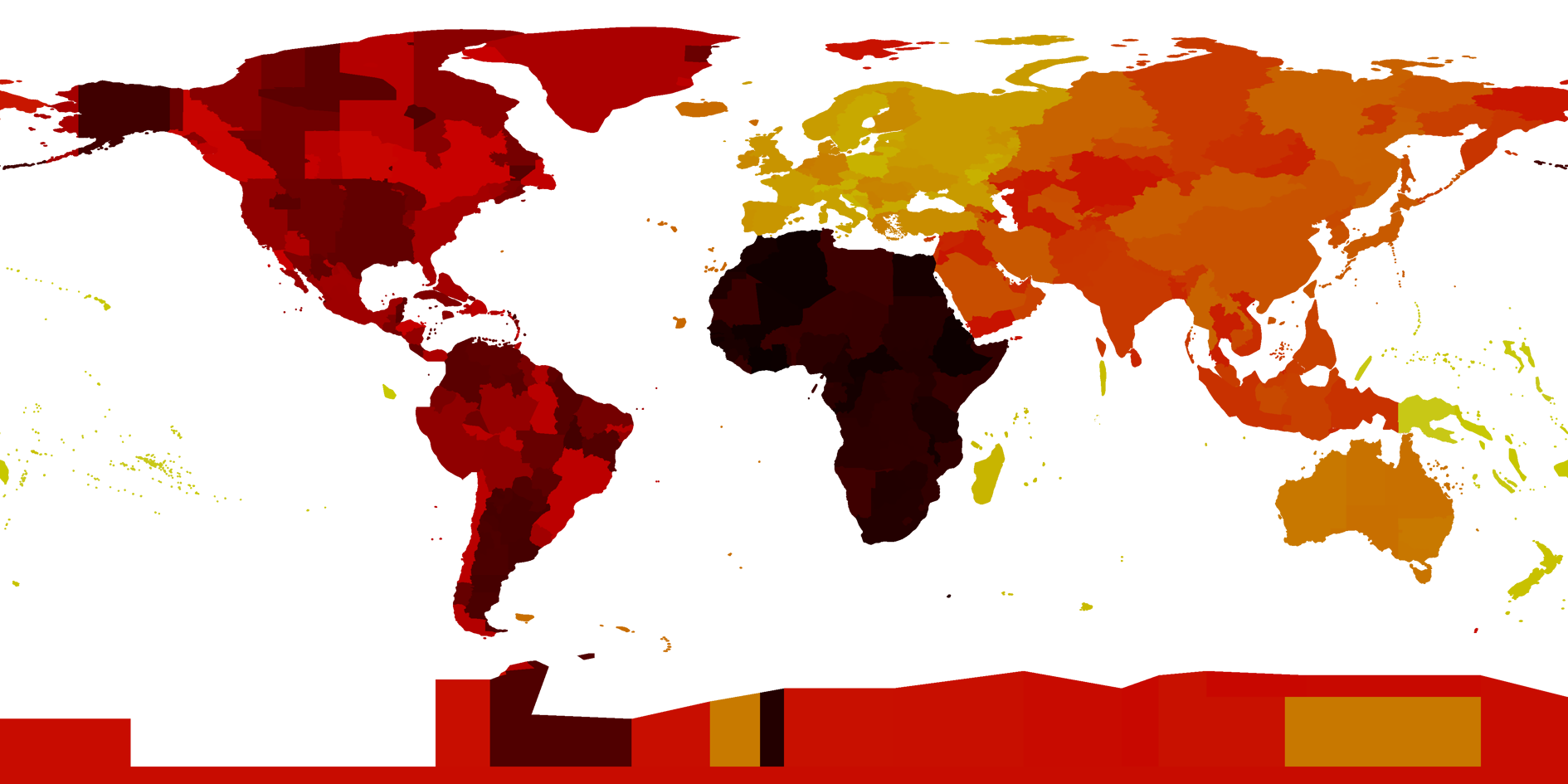
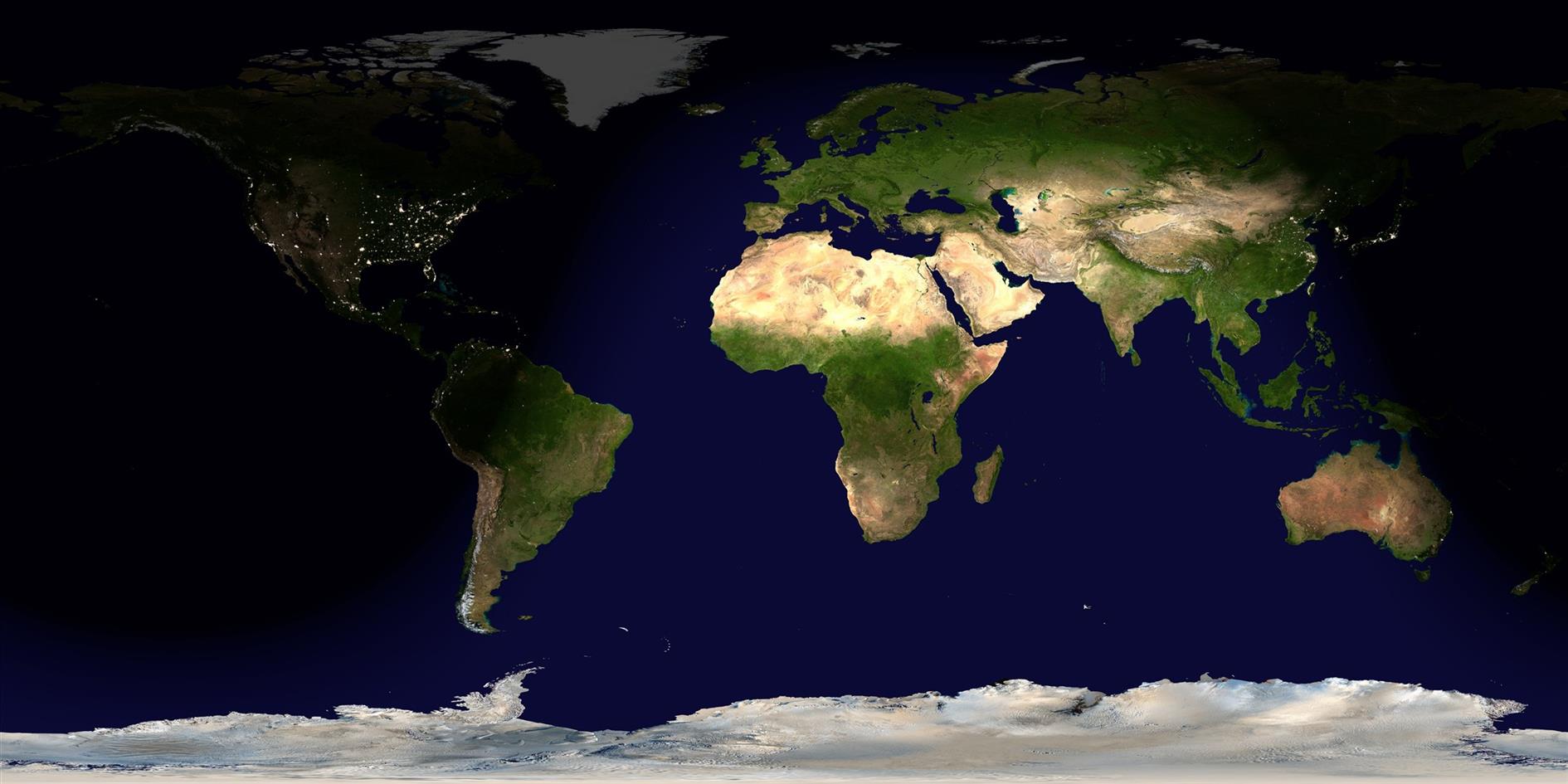
Time Zone Color Map

I just released Catfood Earth 4.41 for Windows: download here.

This version includes version 2026b of the IANA time zone database. British Columbia just switched to permanent daylight savings time and you'll need this update if that impacts your locations or other settings.

I also made a small change to better support high resolution displays. The font size is now automatically scaled. This started affecting me with a high resolution laptop that I dock to some low resolution monitors causing the font size to be wrong half the time. You might need to tweak your font size after installing this update.

Unfortunately I also switched my code signing certificate (more here) with this release. If Windows blocks install then go to Windows Security, App & browser control, Smart App Control settings and then switch off Smart App Control temporarily while you install. This should stop being a problem as Windows learns to trust the new certificate.

Annual Android Antics

Developer shoots a laptop

Android Then: Why not add a splash of color and personality to the status bar?

Android Now: I see a red door and I want it painted black. / No colors anymore, I want them to turn black...

Some people have to go to the doctor for a heart stress test. I just upgrade Android apps when Google forces me to. Today was supposed to be a simple exercise in bumping the target framework up to 36 / Android 16. Instead the status bar disappeared.

Google often deprecates things and this time for me it's setting the status bar color. Not the end of the world, but for my app the helpful default is white icons and text on a white background. Apparently if you really, really want to you can fuck around with something called the WindowInsets API but life is too short. I added a version dependent tweak to the status bar and moved on.

Catfood Earth and Fortune for Android are both rolling out over Google Play right now. They have a slightly worse look and feel and zero additional functionality but at least, for now, I'm still allowed to use some international orange in my part of the window. I'm pretty sure the next iteration of Material Design will involve the National Guard somehow.

Catfood Earth for Android 4.40

By . Updated on

Catfood Earth for Android 4.40

Catfood Earth for Android 4.40 is now available on Google Play.

Earth has an updated look and feel and two new features.

The volcanoes layer has been ported over from the Windows version of Catfood Earth. When enabled this will show volcanoes that have recent activity (within the past week) using data from the Smithsonian Institution's Global Volcanism Program.

It's now possible to show your current location on the map. I'm not sure it's a replacement for Google Maps just yet but it does help you find where you are on the satellite image.

The release was prompted by Google requiring API level 34 support... completing this for Fortune Cookies was a nightmare but having learnt from that experience Earth made the jump to MAUI pretty smoothly.

If you already use Earth for Android you should get the new version shortly. If not, this is what Android live wallpaper was made for so give it a try!